Before code
Check the need, scope, rule, and expected outcome.
Print the guide or choose Save as PDF in your browser's print dialog.
Download the designed 37-page PDFAPPLICATION DEVELOPMENT GUIDE
A visual route through the decisions, working results, and checks.

BEFORE STAGE 01
An app idea becomes useful when you can describe who needs it, what they are trying to do, and where that work breaks down today.
Watch a recent task from beginning to end. Ask what the person did, where they waited, and what they had to repeat.
Describe one complete useful outcome before listing screens or features.
Collect constraints, existing tools, and unanswered questions. Compare improving the current process, using an existing product, and building software.
WHAT YOU LEAVE WITH
BEFORE MOVING FORWARD
You can explain the work in ordinary language and identify people who can confirm or correct your understanding.
STAGE 01 / CHAPTERS 1-4
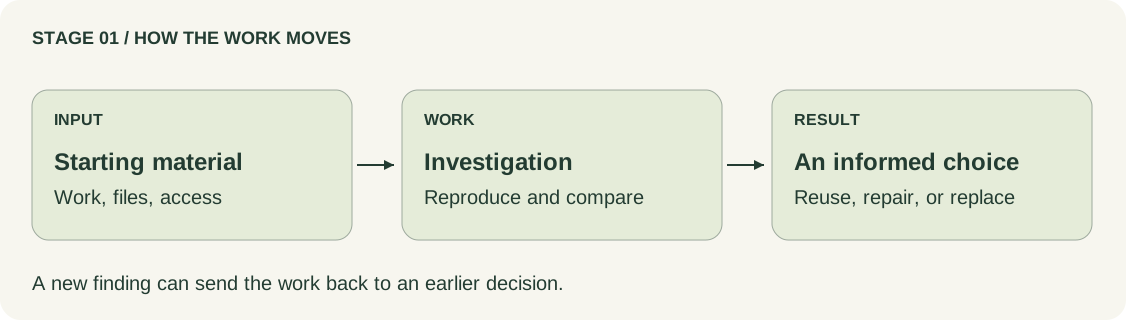
Look at the current work, prototype, dependencies, and failures before choosing the next move.
THE WORK TO DO
Show a complete task and a recent failure. Bring the prototype, source files, and the people who know the work.
Have the team run a preserved copy, identify connected services, and separate observed failures from untested concerns.
Compare options with their consequences. Give each unanswered question an owner and a next check.
WHAT YOU LEAVE WITH
BEFORE MOVING FORWARD
The next assignment has a question, inputs, an owner, a deliverable, and a way to accept it.
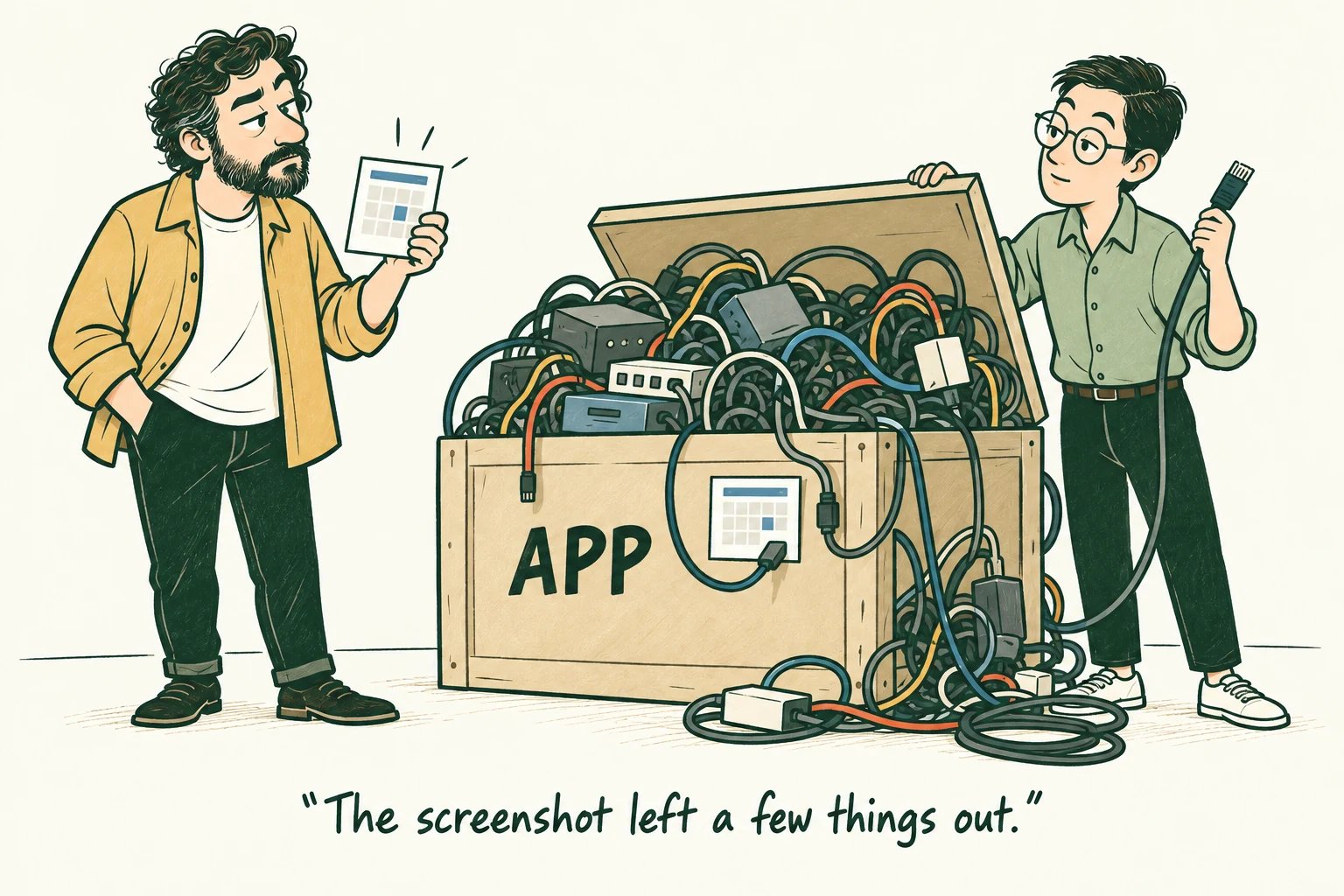
The team preserves the booking prototype, reproduces its failures, and establishes which source archive matches the deployed application.
STAGE 02 / CHAPTERS 5-8
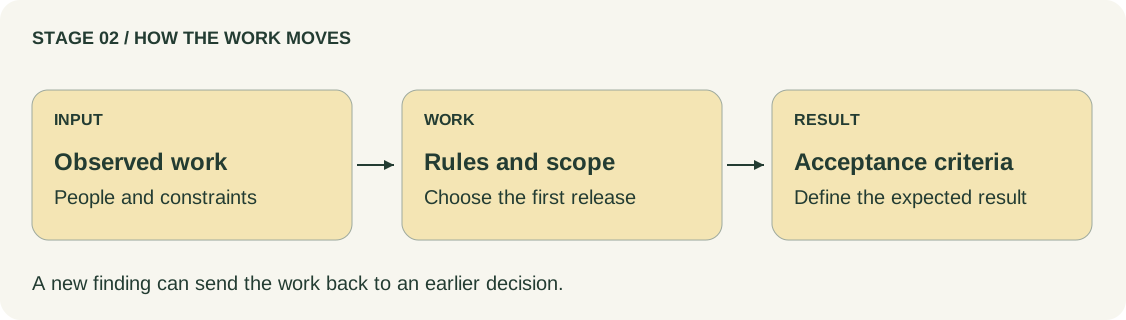
Turn observed needs into a bounded release, explicit rules, and checkable outcomes.
THE WORK TO DO
Study actual customer and staff tasks, including exceptions. Resolve differences between studio rules.
Choose one useful release boundary. Keep deferred requests with reasons for waiting.
Describe success, failure, timing boundaries, and repeated actions. Estimate the selected work with assumptions and dependencies.
WHAT YOU LEAVE WITH
BEFORE MOVING FORWARD
The chosen path reaches a useful outcome. Decisions still missing are visible beside the work they block.
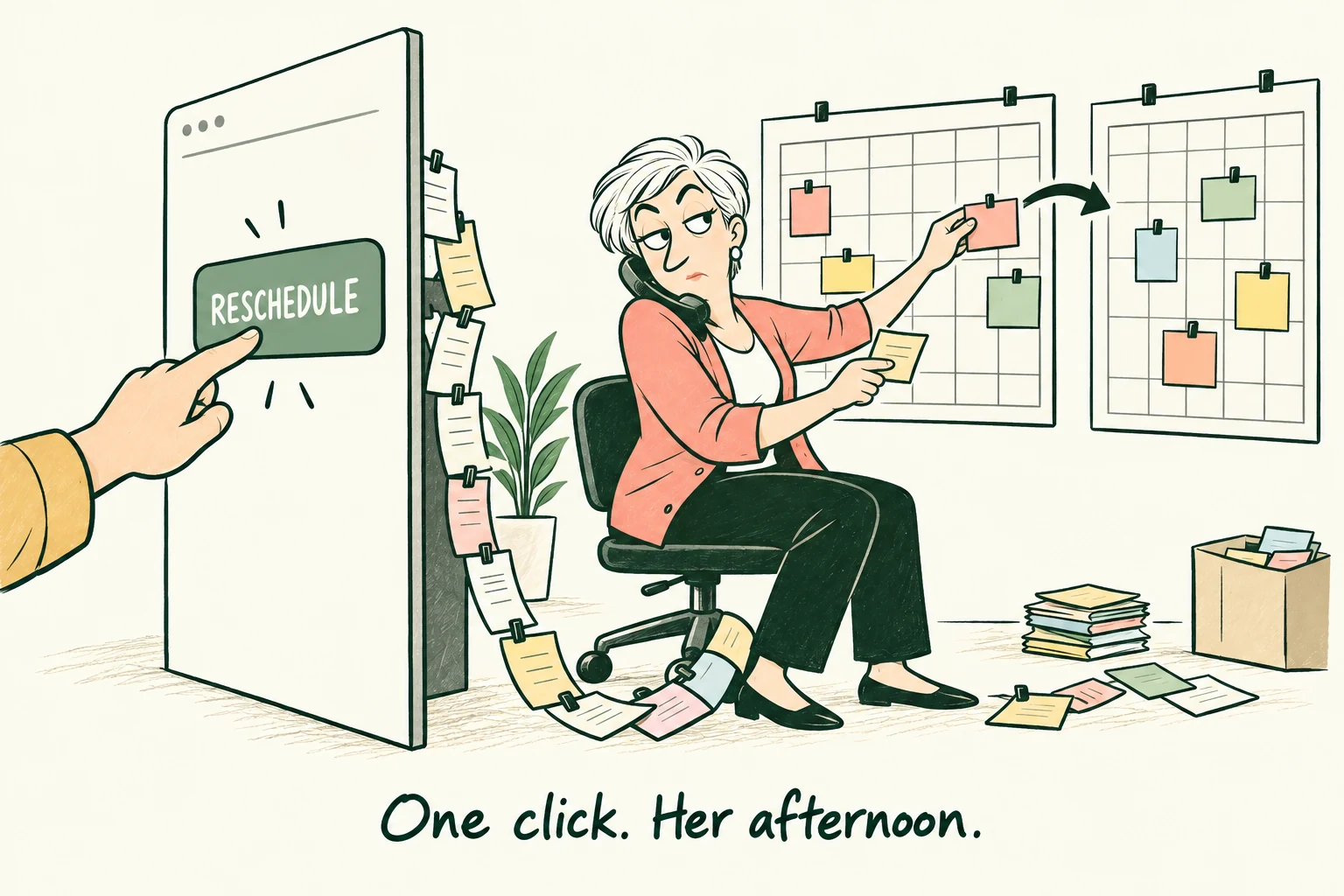
A cancellation is eligible exactly at its saved policy cutoff. An unconfirmed hold expires exactly at its deadline. Each rule needs its own check.
STAGE 03 / CHAPTERS 9-12
Connect the user journey, interface states, data, and external services before building them together.
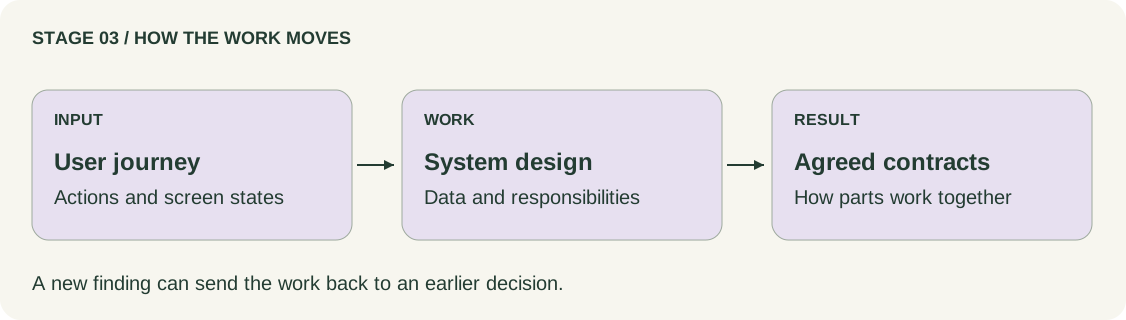
THE WORK TO DO
Map what people see while an action succeeds, waits, or fails. Include keyboard use and recovery from interruption.
Define who owns each record and how conflicting changes are handled. Compare structures that fit the team and operating needs.
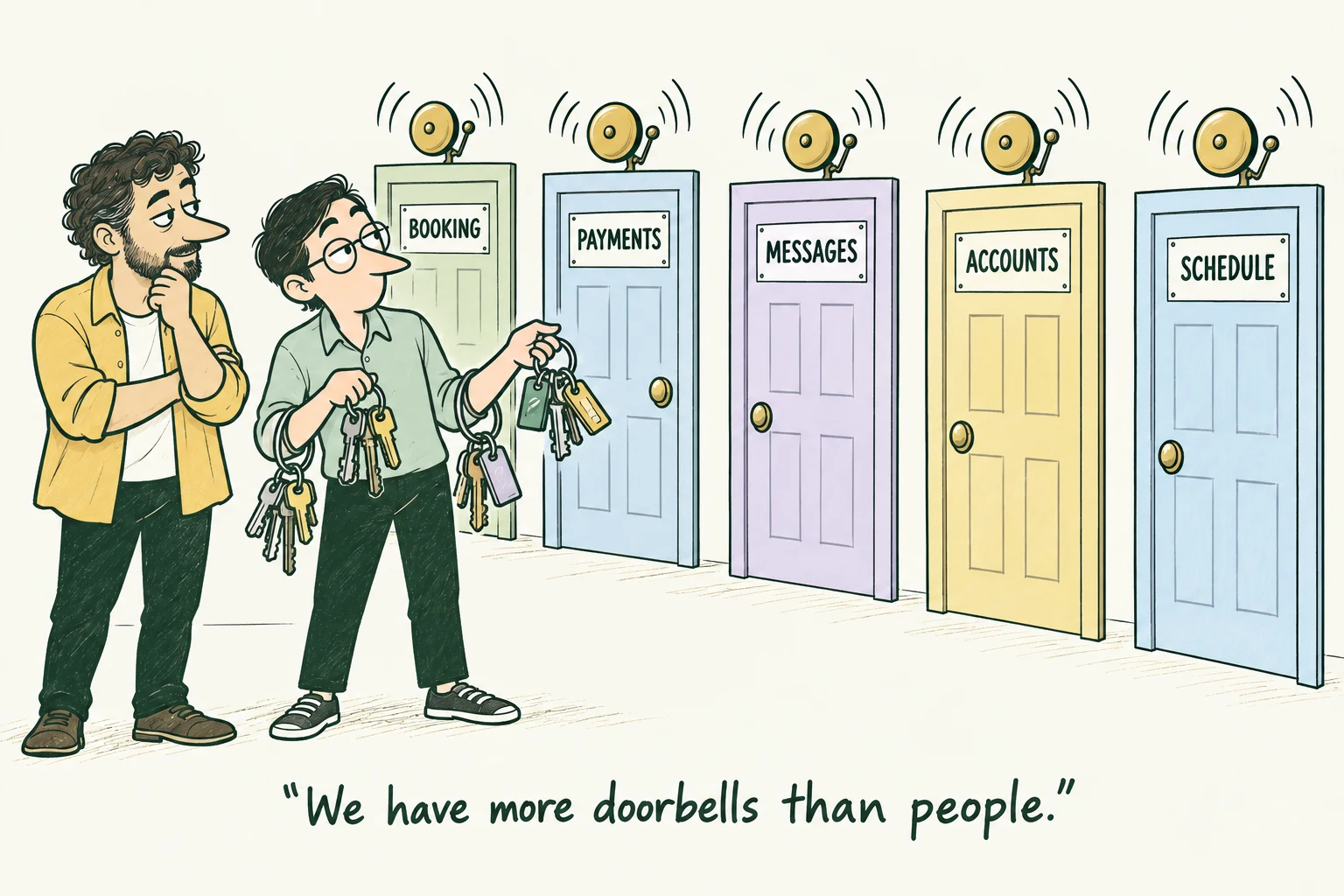
Trace each external exchange, repeated result, and uncertain outcome. Assign both automatic handling and human follow-up.
WHAT YOU LEAVE WITH
BEFORE MOVING FORWARD
The design explains ownership and what happens on conflict, expiry, interruption, and repetition.
A short protected change claims the provider interval. The customer then pays while a saved hold exists; the database is not locked for ten minutes.
STAGE 04 / CHAPTERS 13-16
Build in small slices. Keep the requirement, changed files, and actual check results together.
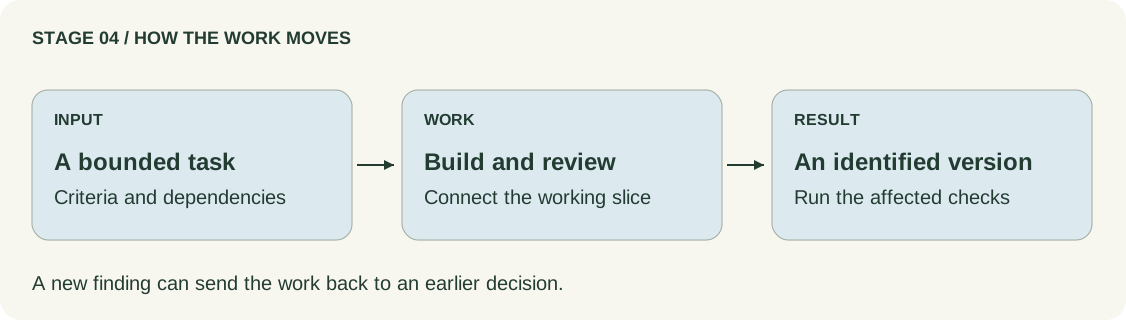
THE WORK TO DO
Break the release into complete, testable outcomes. Make dependencies and missing access visible.
Implement, review, and connect the interface, server, database, and provider integrations.
Demonstrate against the agreed criteria. Record the checked version and the impact of new requests.
WHAT YOU LEAVE WITH
BEFORE MOVING FORWARD
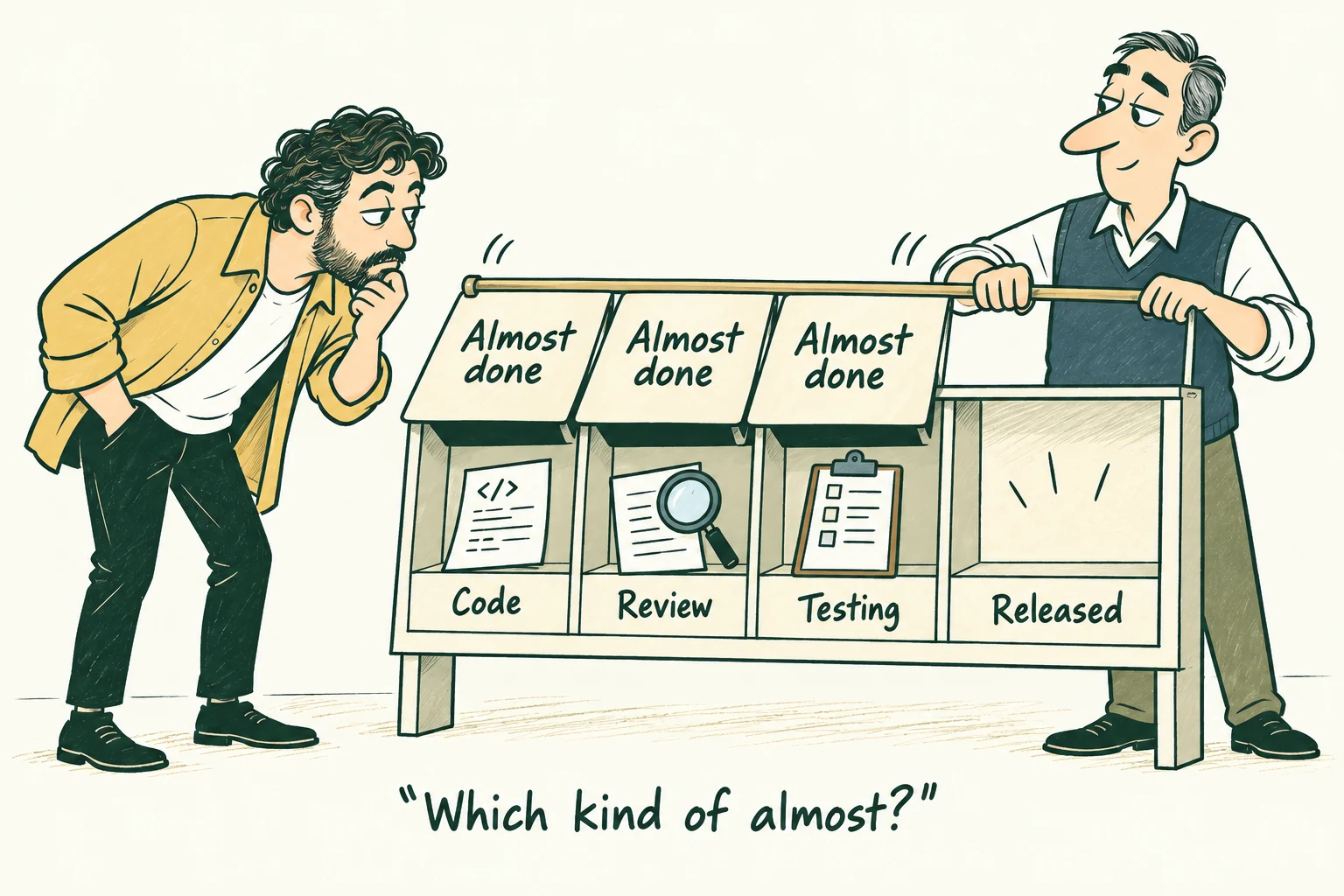
The demonstrated outcome meets the shared quality conditions on an identified build.
A repeated payment result must not create an extra confirmation action. The corrected version is checked again, with the result retained.
STAGE 05 / CHAPTERS 17-18
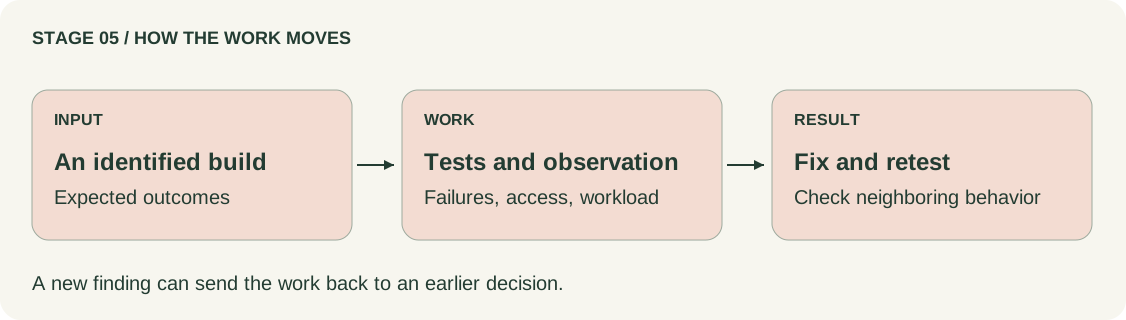
Test the whole outcome, its boundaries, and its failure paths. Check the saved state as well as the message.
THE WORK TO DO
Exercise ordinary paths, overlaps, exact boundaries, delayed and repeated events, and lost responses.
Check permitted and forbidden actions on the server. Observe usability, accessibility, and behavior under the intended workload.
Reproduce defects, correct them, and repeat the failed and neighboring checks on the new version.
WHAT YOU LEAVE WITH
BEFORE MOVING FORWARD
Critical behavior has evidence for the intended next use; any remaining restriction can actually be maintained.
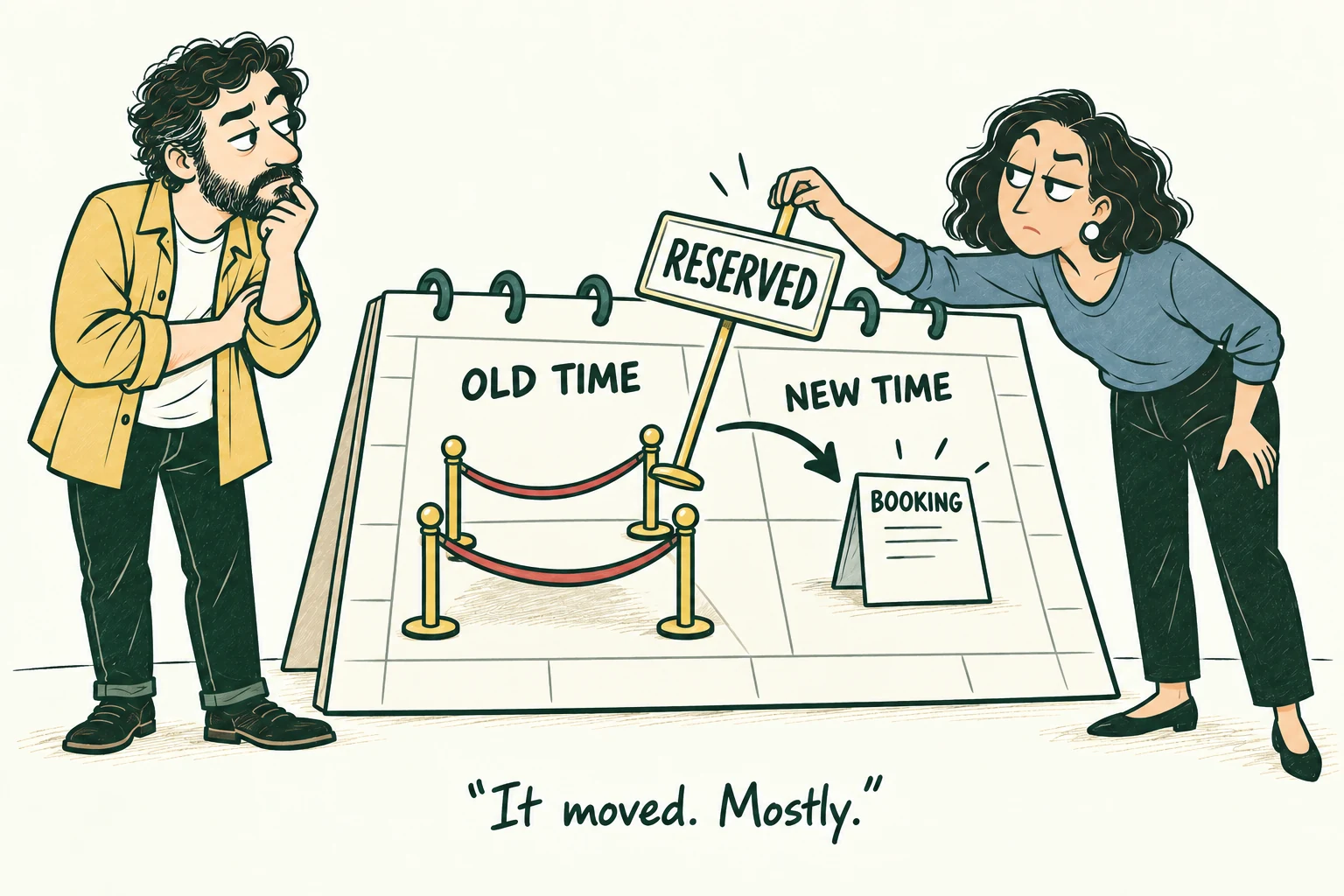
A reschedule appears successful, but the old provider interval stays occupied. Looking at saved state exposes the defect that the success message misses.
STAGE 06 / CHAPTERS 19-20
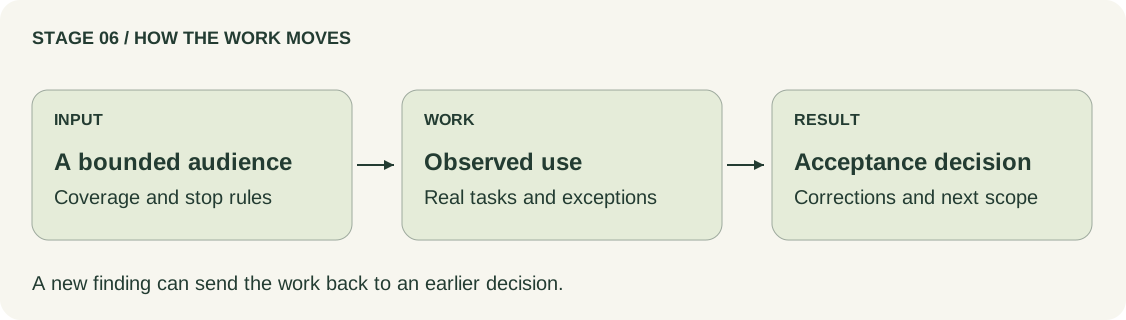
Observe a bounded live use, learn from the work, and separate software acceptance from permission to expand.
THE WORK TO DO
Choose participants, provider/date inventory, support coverage, and conditions for stopping or pausing enrollment.
Keep one process authorized to write the transferred schedule. Observe complete tasks and record any help people need.
Correct findings and inspect the current candidate. Make acceptance and opening decisions from their own evidence.
WHAT YOU LEAVE WITH
BEFORE MOVING FORWARD
The next audience has the required protection and coverage. Existing commitments remain supported.
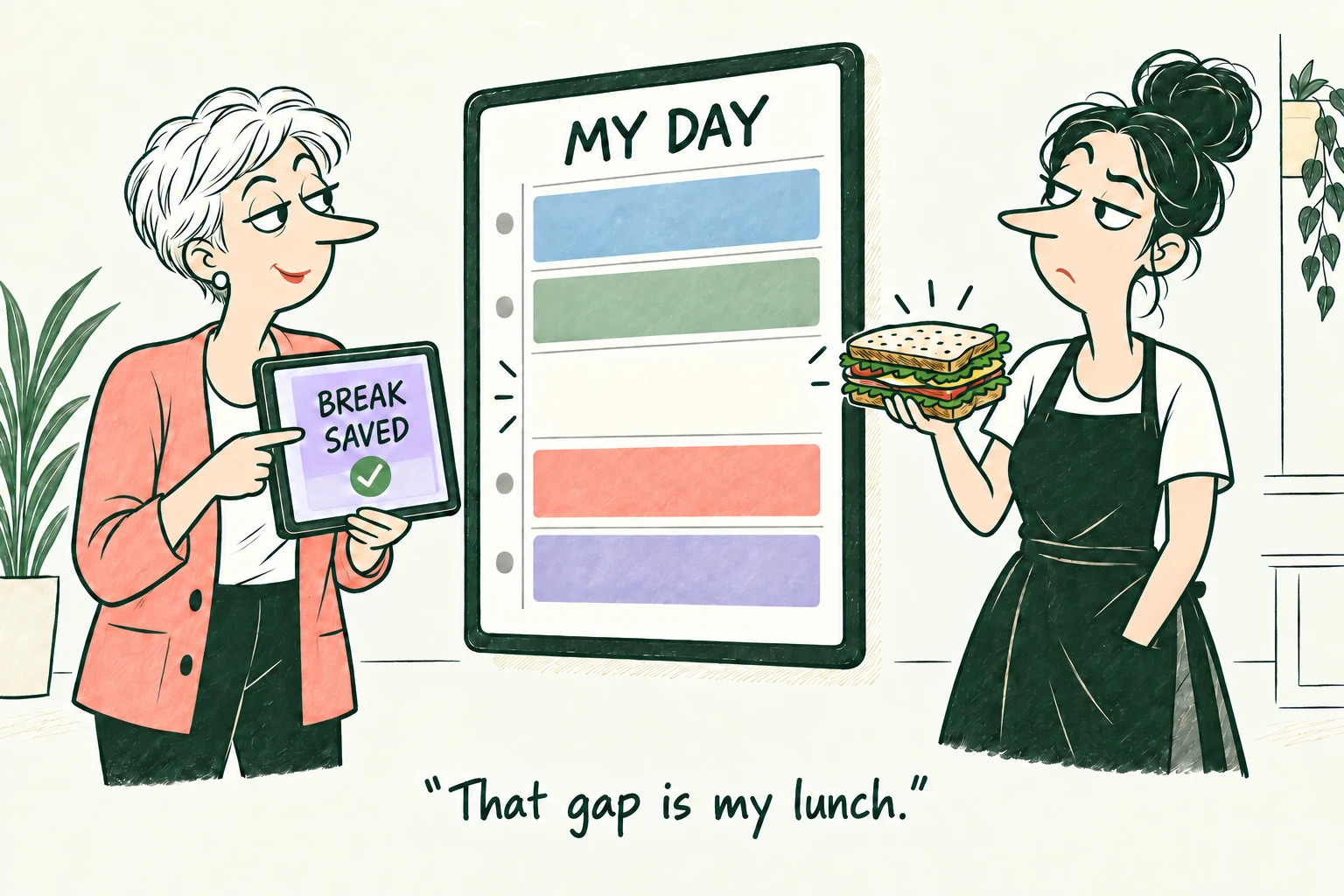
The service provider's lunch break reveals a problem in the daily view. A bounded pilot gives the team a chance to correct it before wider use.
STAGE 07 / CHAPTERS 21-22
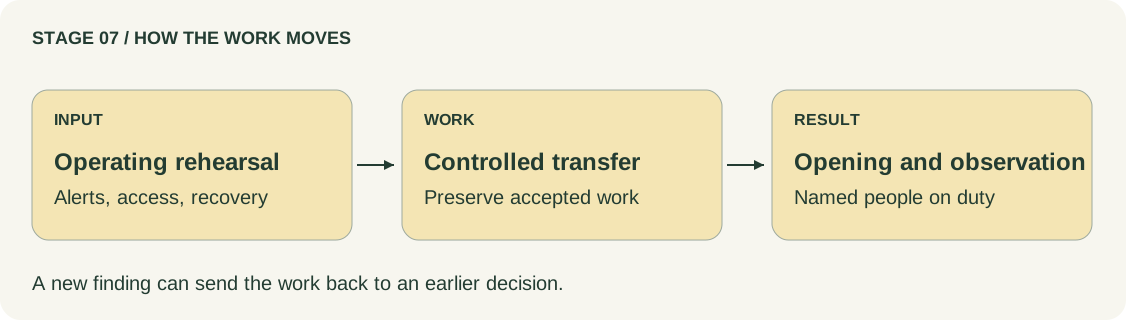
Rehearse the operating response, protect existing records, and open the checked version under explicit conditions.
THE WORK TO DO
Send an alert through the actual contact route, including acknowledgment and backup coverage. Rehearse recovery with current records and external effects.
Identify the release candidate, configuration, transfer point, and compatible return path. Prevent competing writes during the transition.
Run opening checks, watch the first hours, and keep unfinished actions and existing customer commitments visible.
WHAT YOU LEAVE WITH
BEFORE MOVING FORWARD
Both the identified version and its operating route pass the checks required for opening.
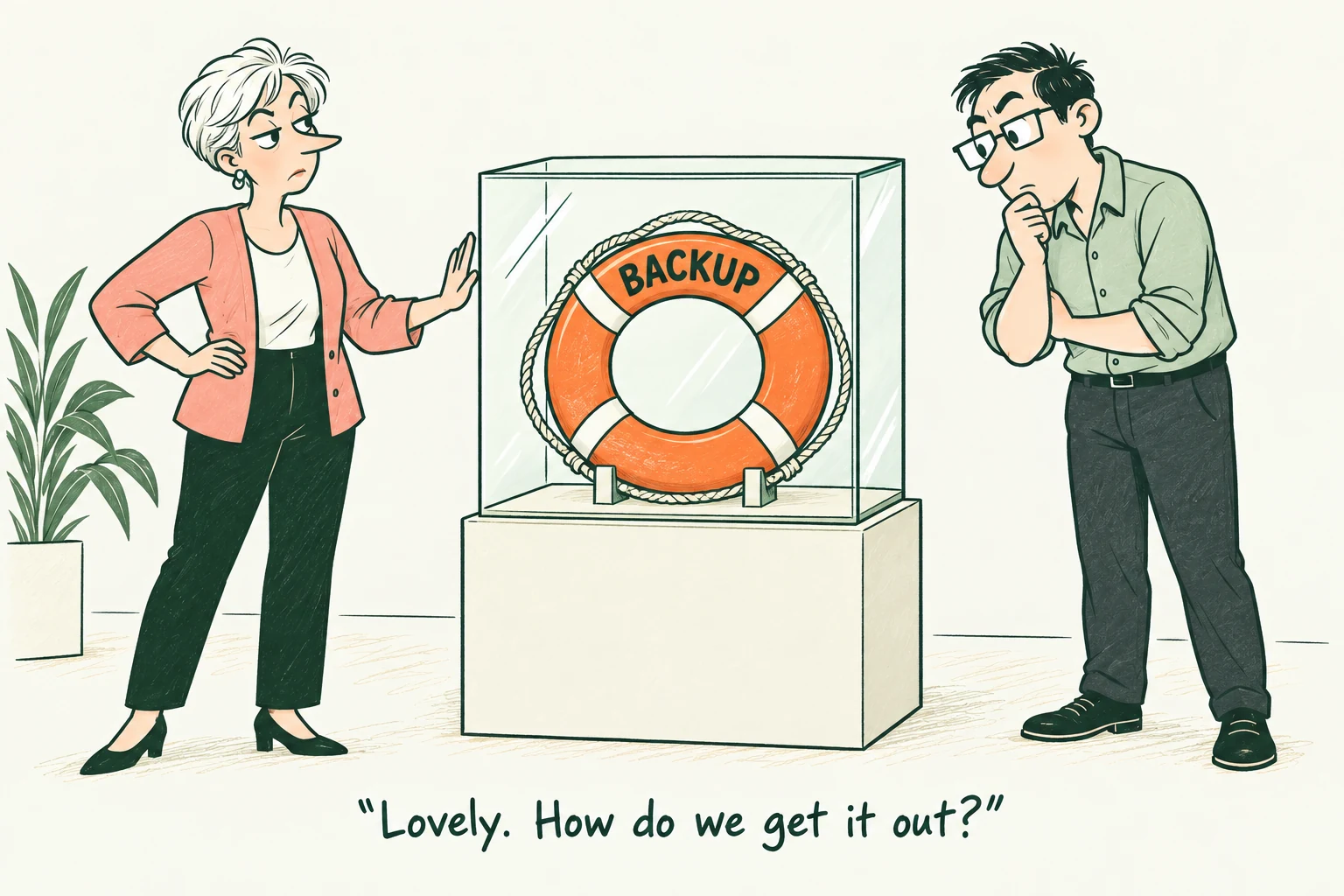
The team's first recovery takes four hours against a one-hour target. After correction, the same complete rehearsal takes 48 minutes.
STAGE 08 / CHAPTER 23
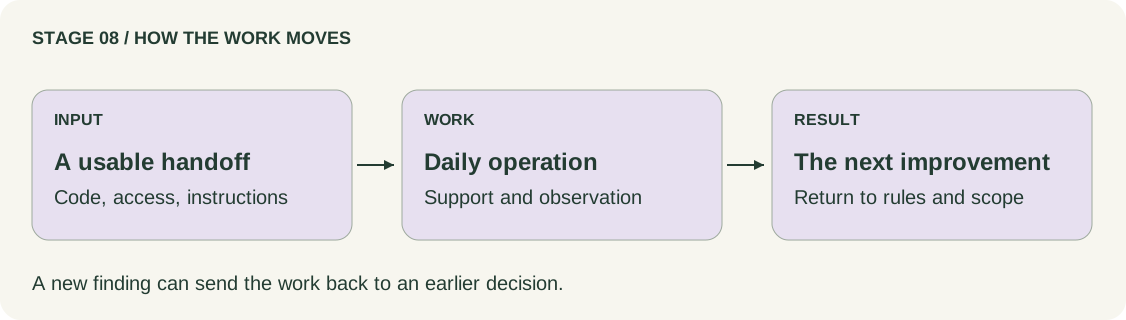
Transfer usable knowledge and responsibility. Feed operating evidence into the next release.
THE WORK TO DO
Have a capable receiving operator start and restore the product using the handoff package and their own authorized access.
Assign recurring technical and studio work. Keep support instructions available when the application is down.
Review observed use and unfinished work. Choose the next outcome, update its rules, and repeat the affected design and checks.
WHAT YOU LEAVE WITH
BEFORE MOVING FORWARD
The receiving side can operate the product without relying on the original developer's memory.
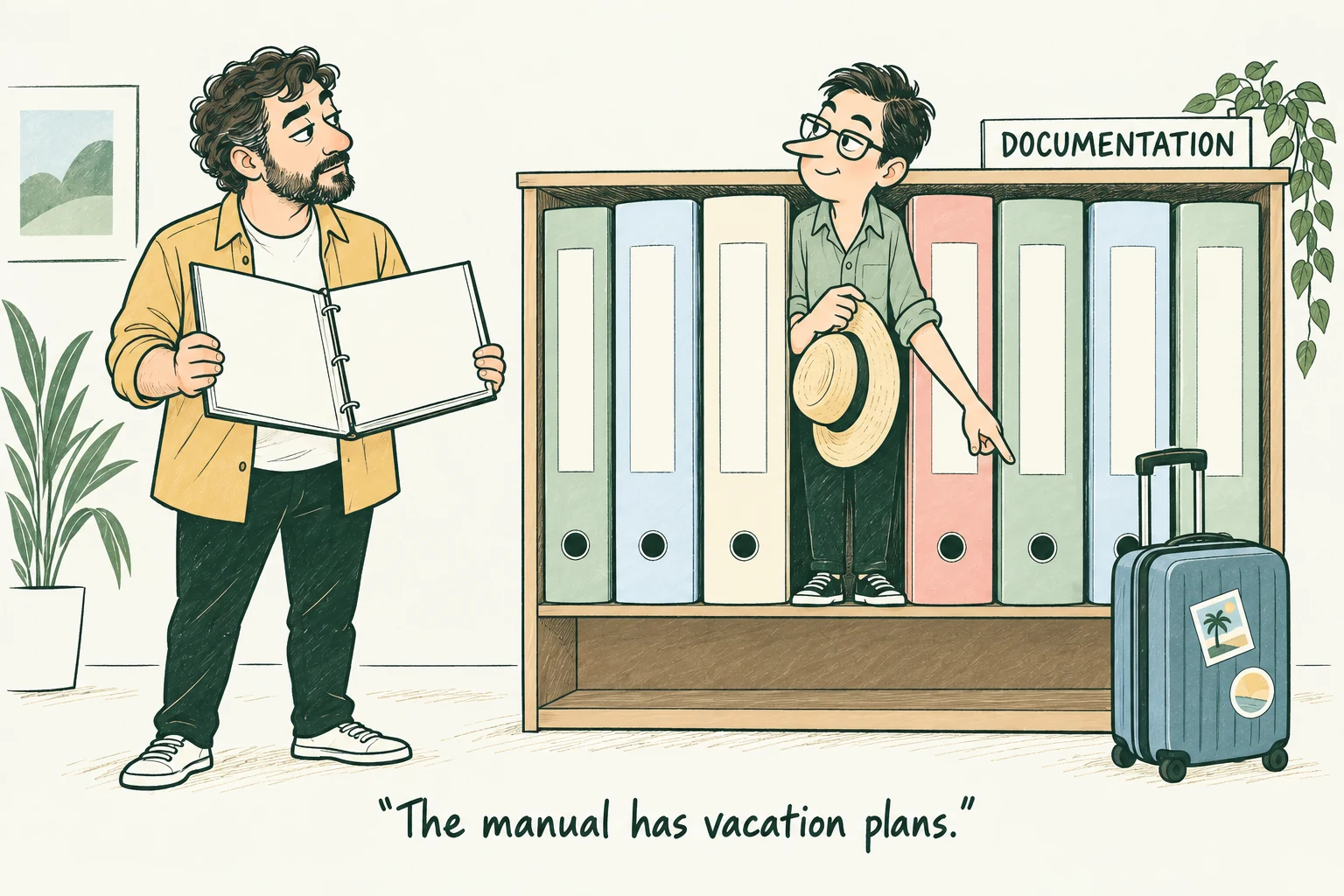
The handoff succeeds when another operator can follow it and recover the identified state. A folder of files alone does not establish that result.
QUALITY THROUGHOUT
Start with a checkable promise. Every correction returns to the failed check and to the behavior it could have affected.
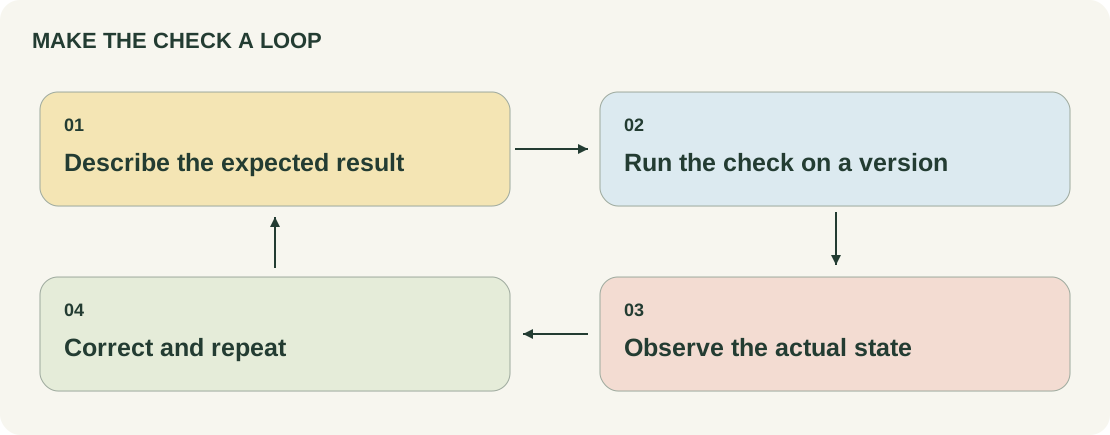
Check the need, scope, rule, and expected outcome.
Review the change. Check the component and its connections.
Exercise the full journey, access restrictions, workload, and operating response.
Observe the service. Investigate failures and use them to improve the next version.
THREE DIFFERENT DECISIONS
The identified version met the stated criterion.
The Client accepted the agreed software outcome.
Live-use protection, coverage, and operating procedures are ready.
Keep the feedback loop open. A pilot can reveal a misunderstood task. Operation can reveal a missing alert. Return to the affected rule, design, implementation, and checks.
TEAM AND SOLO WORK
Working with AI changes how you organize the work. It does not remove the need to investigate, decide, inspect, test, and operate.
Preserve current files, rules, decisions, versions, and open questions.
Give the task its inputs, expected result, and boundaries.
Read the change and run checks on the actual version.
Have unresolved critical behavior examined by someone able to assess it.
WITH A TEAM
The professional-team route reaches a controlled general release with its own operating evidence.
REWIND / WORKING WITH AI
Rewind reaches a bounded Studio A pilot with its own review, recovery rehearsal, and support coverage. Its results belong to that installation.
THE PEOPLE
Responsibilities, named owners, and useful handoffs.
The Client decides the product priorities. Contributors bring designs, working software, and evidence. Someone must own the service after opening. Roles can overlap; an unassigned responsibility still needs an owner.
 Client
 Senior Administrator
 Project Manager
 Tech Lead
 Analyst
 Designer
BUILD THE TEAM AROUND THE WORK
A role names a function. A staffing decision names the person, their competence, their available time, and the result they own.
A bounded workflow, a small set of users, and few external connections.
The Analyst can coordinate delivery; a Designer can cover UX and UI; a Full-Stack Developer can cover browser and server work. Assign testing and operating ownership explicitly.
Separate a function when its workload, risk, or missing expertise is slowing or weakening the work.
Payments, shared inventory, several staff roles, or work that must survive failures.
These are functions to cover. The Tech Lead may also implement server work or architecture; the team still needs time and competence for permission checks, payment behavior, and recovery.
Bring in database or reliability expertise when data changes, recovery, capacity, or operating needs exceed the team's experience.
The chosen delivery path needs device capabilities or a distributed mobile app.
Keep shared product rules under one owner. Mobile and server contributors agree on messages, offline behavior, and version compatibility.
A responsive browser product does not itself require a separate Mobile Developer. Choose the delivery path before staffing it.
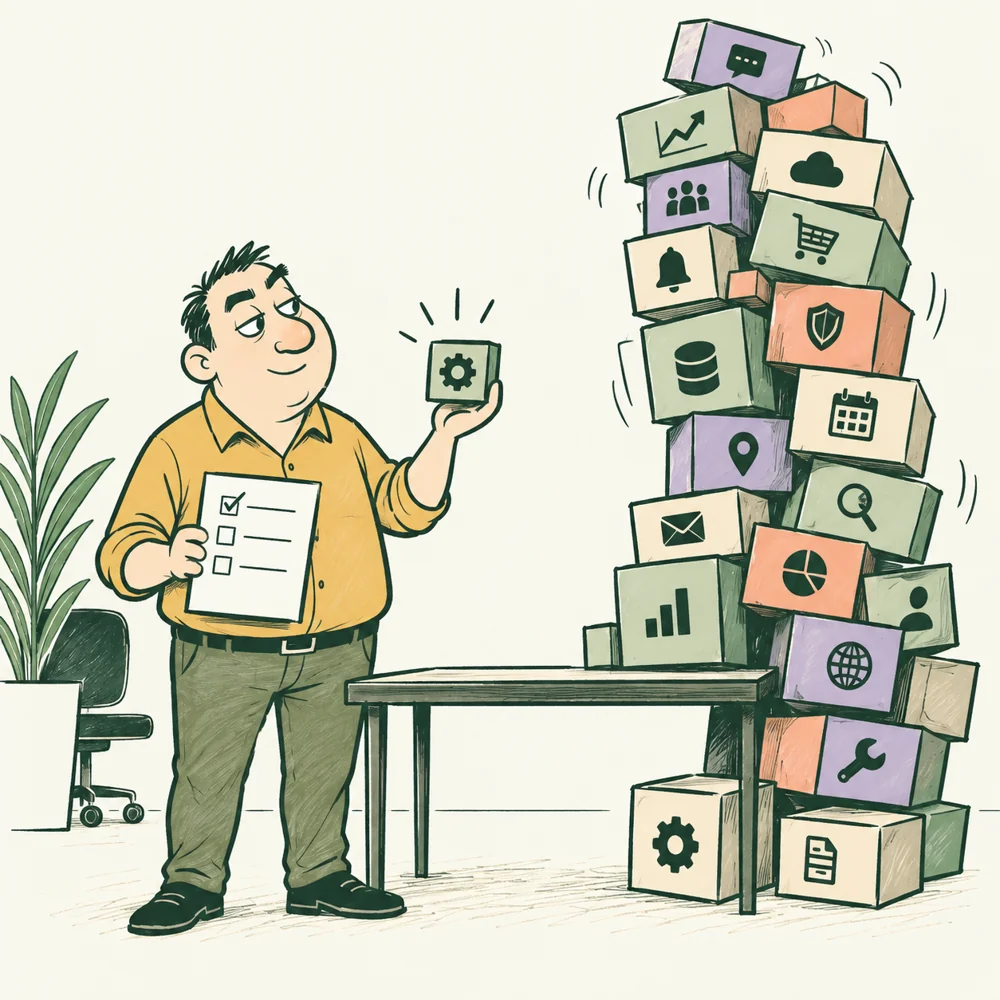
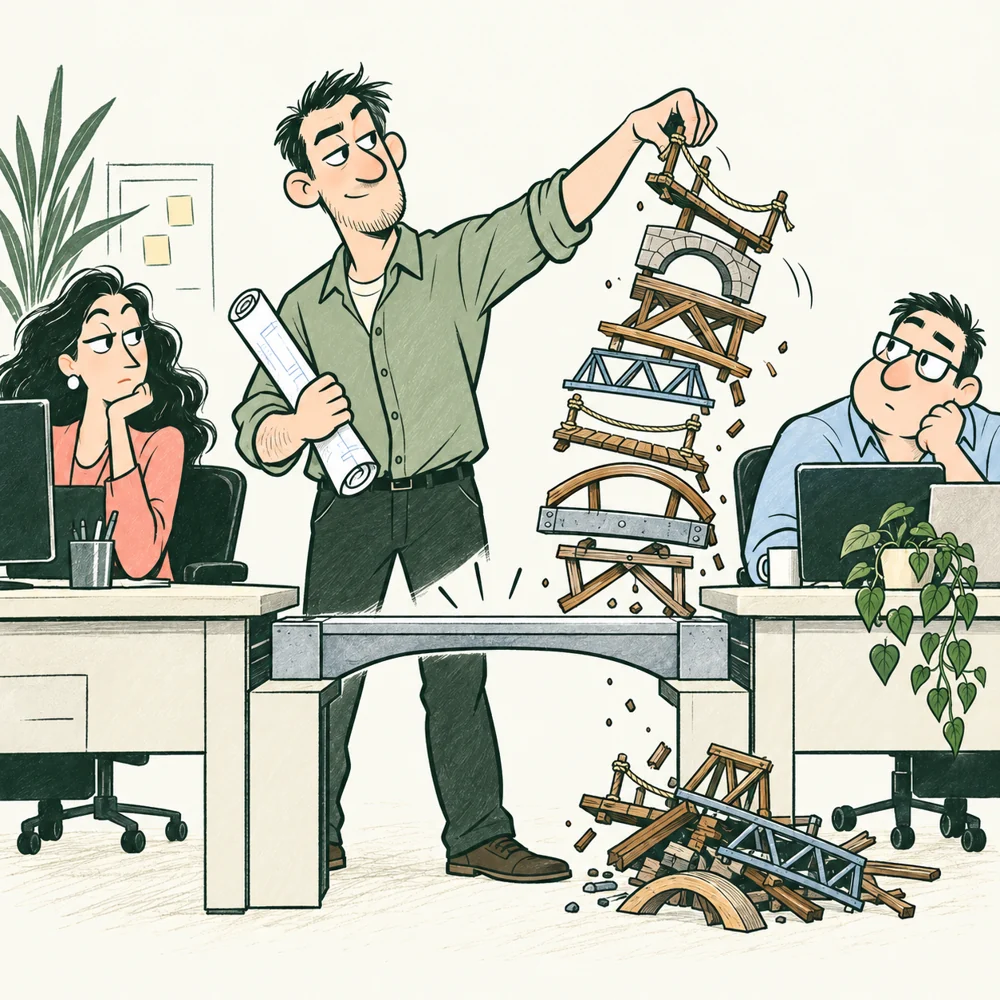
One useful outcome. The feature tower can wait.
IN THE BOOK
Chooses the outcome, scope, operating restrictions, and opening decision. Supplies the studios' rules and asks for evidence without taking over engineering implementation.
Output: Approved priorities, timely decisions, accepted results, and named owners for the Client side of the work.
Ask: Which decisions do I need to make this week?
Stages 1, 2, 3, 4, 5, 6, 7, 8
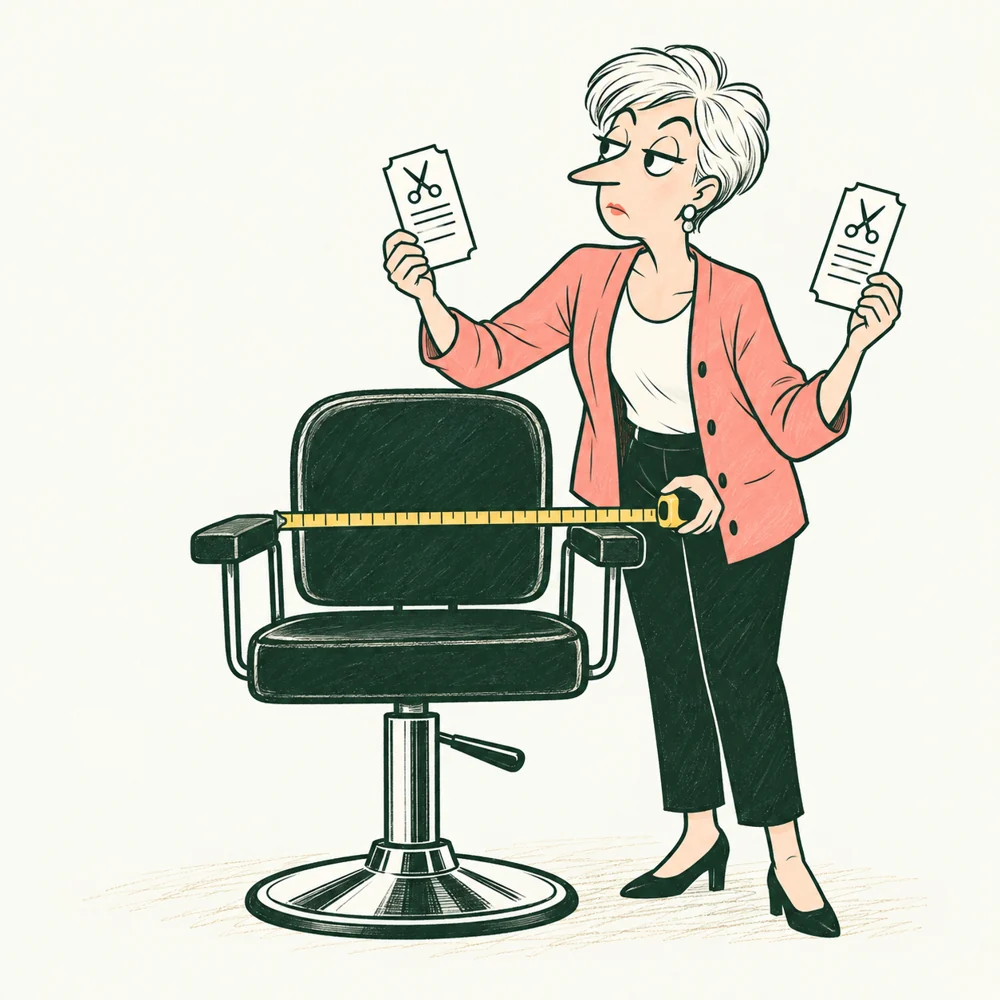
The calendar has two bookings. The studio still has one chair.
IN THE BOOK
Represents staff work across the studios. Brings exception cases, checks policy and screen meaning, owns schedule handovers, and makes unfinished customer work usable for staff.
Output: Working cases, staff acceptance observations, inventory handovers, and assigned follow-up on unfinished visits, payments, and reminders.
Ask: Which arrangement is current when a move fails?
Stages 1, 2, 3, 5, 6, 7, 8
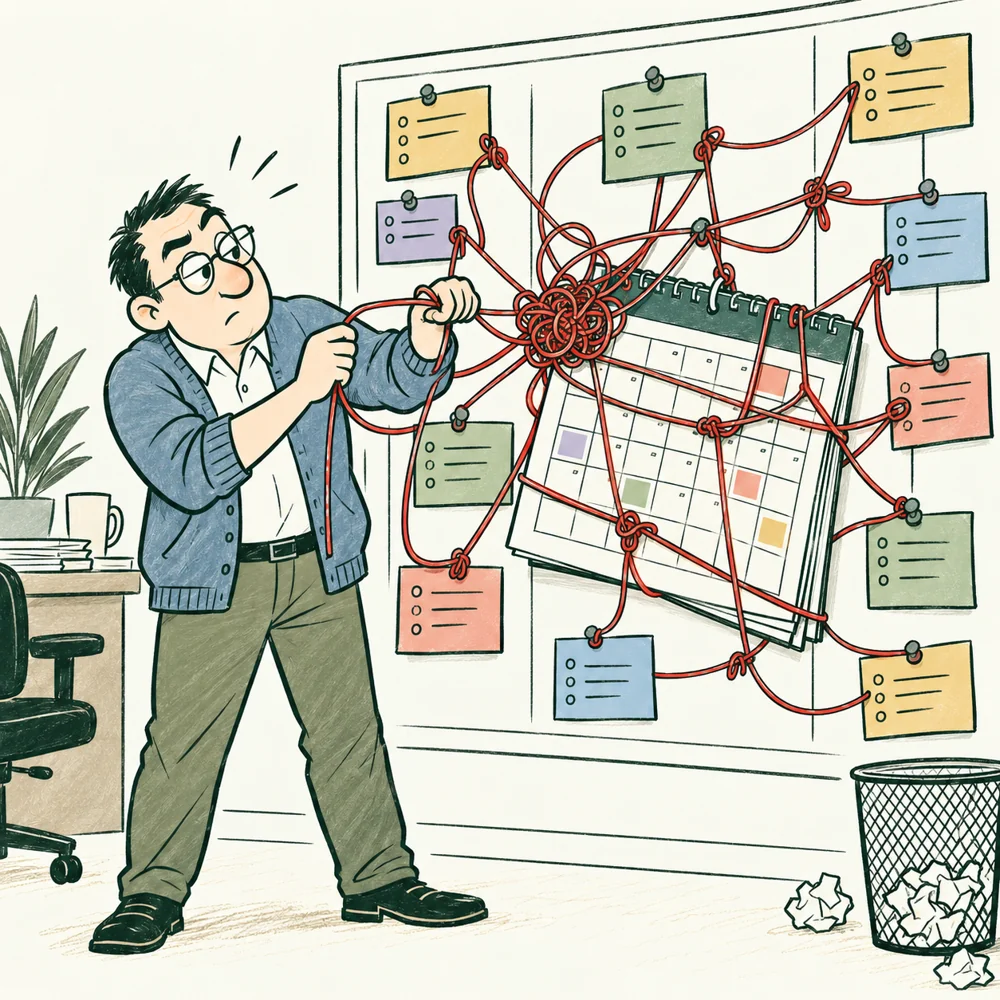
The date is waiting for three decisions.
IN THE BOOK
Connects decisions, dependencies, contributors, and review points. A blocked task must have a next action; a release meeting must have evidence to decide from.
Output: Plan, status, risk list, and agreed working process.
Ask: What currently determines the schedule, and which dependencies matter?
Stages 1, 2, 3, 4, 5, 6, 7, 8
Every extra bridge needs someone to maintain it.
IN THE BOOK
Owns the technical approach and its connections. Also acts as Architect, comparing the operating costs of separate services with the shared application.
Output: Agreed engineering decisions and a technical plan.
Ask: Which technical risks matter now?
Stages 1, 2, 3, 4, 5, 6, 7, 8
One simple rule. A surprisingly long list of exceptions.
IN THE BOOK
Turns working cases into explicit rules, scope, states, and criteria. Also performs product work: which difficulty matters and what belongs in the release.
Output: Current scope, rules, examples, acceptance criteria, and open questions with decision owners.
Ask: Which statement came from an observed case, and which is an assumption?
Stages 1, 2, 3, 4, 5, 6
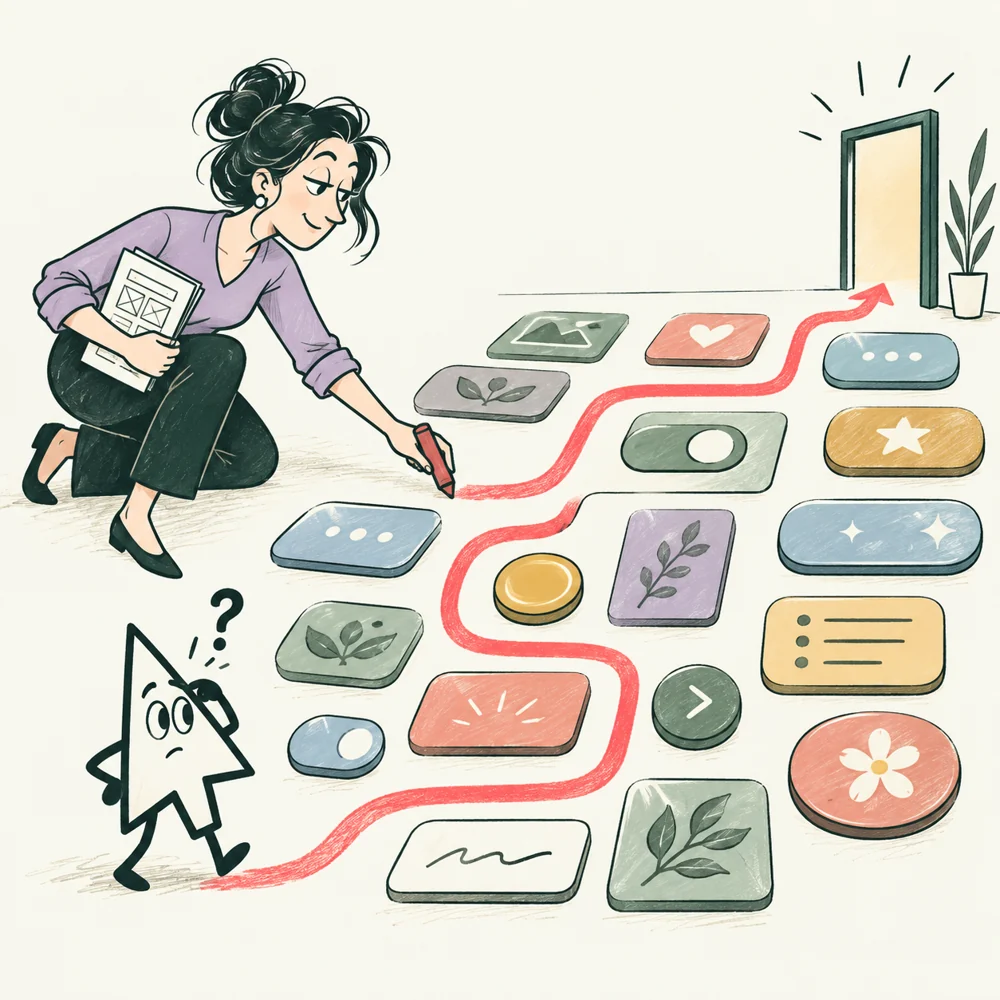
The screen is beautiful. Where does the person go next?
IN THE BOOK
Works on the user flow and interface together. Tests what people understand, then specifies states, content, and interactions for implementation.
Output: A flow and state record with content, allowed actions, accessibility behavior, and observation results.
Ask: What does a person understand while this action is waiting?
Stages 1, 2, 3, 4, 5, 6

A waiting spinner is not a confirmed booking.
IN THE BOOK
Builds working browser behavior and connects it to server results. Also owns UI engineering for reusable components, keyboard behavior, and status display.
Output: A working interface with agreed behavior.
Ask: Which browsers and devices are supported?
Stages 3, 4, 5, 6, 7, 8
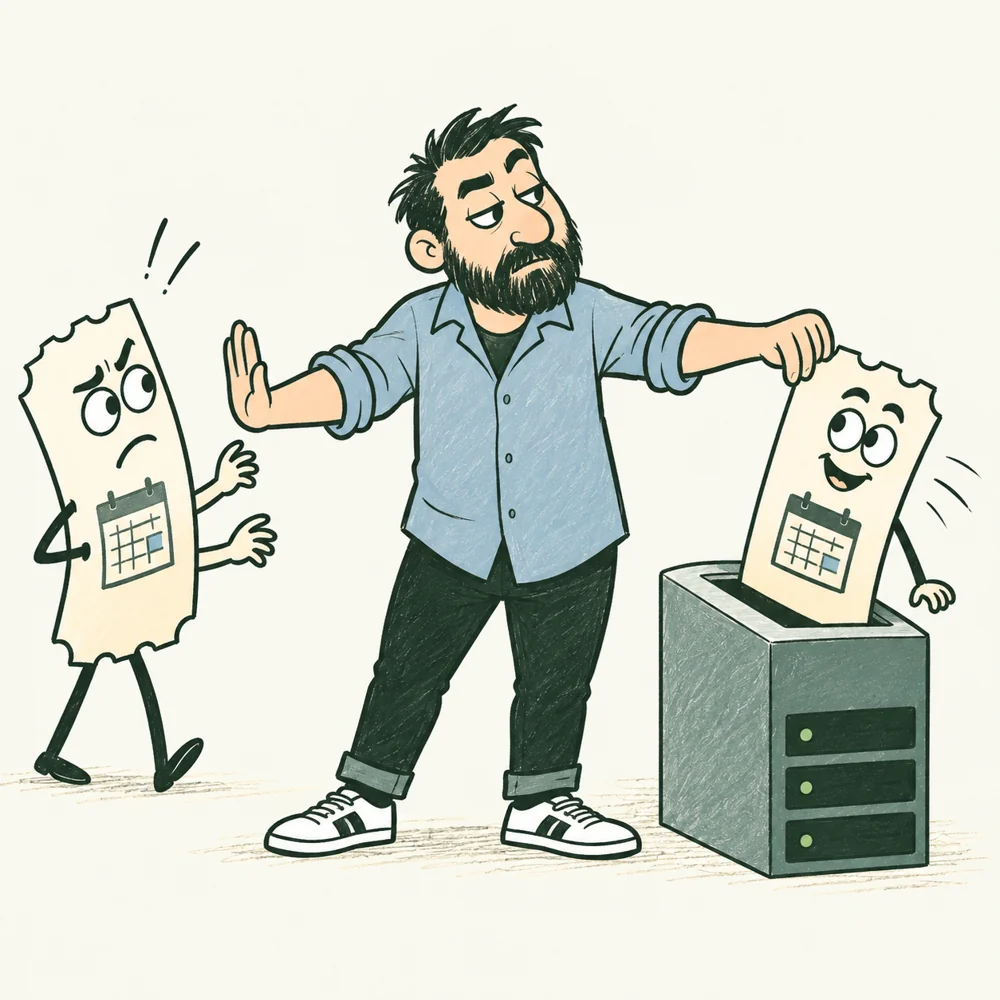
Two requests arrive. One slot is available.
IN THE BOOK
Implements shared booking operations and data changes, payment result handling, and durable pending work. A successful response must agree with saved records.
Output: Server functions and data exchanges that support the scenarios.
Ask: What happens when two actions occur together?
Stages 2, 3, 4, 5, 6, 7, 8

A green checkmark still needs a closer look.
IN THE BOOK
Turns requirements into reproducible checks, finds differences between expected and actual results, and repeats checks after corrections on the candidate being considered.
Output: Test plan and results, with reproducible bug reports.
Ask: Which requirements and risks do the checks cover?
Stages 1, 2, 3, 4, 5, 6, 7, 8
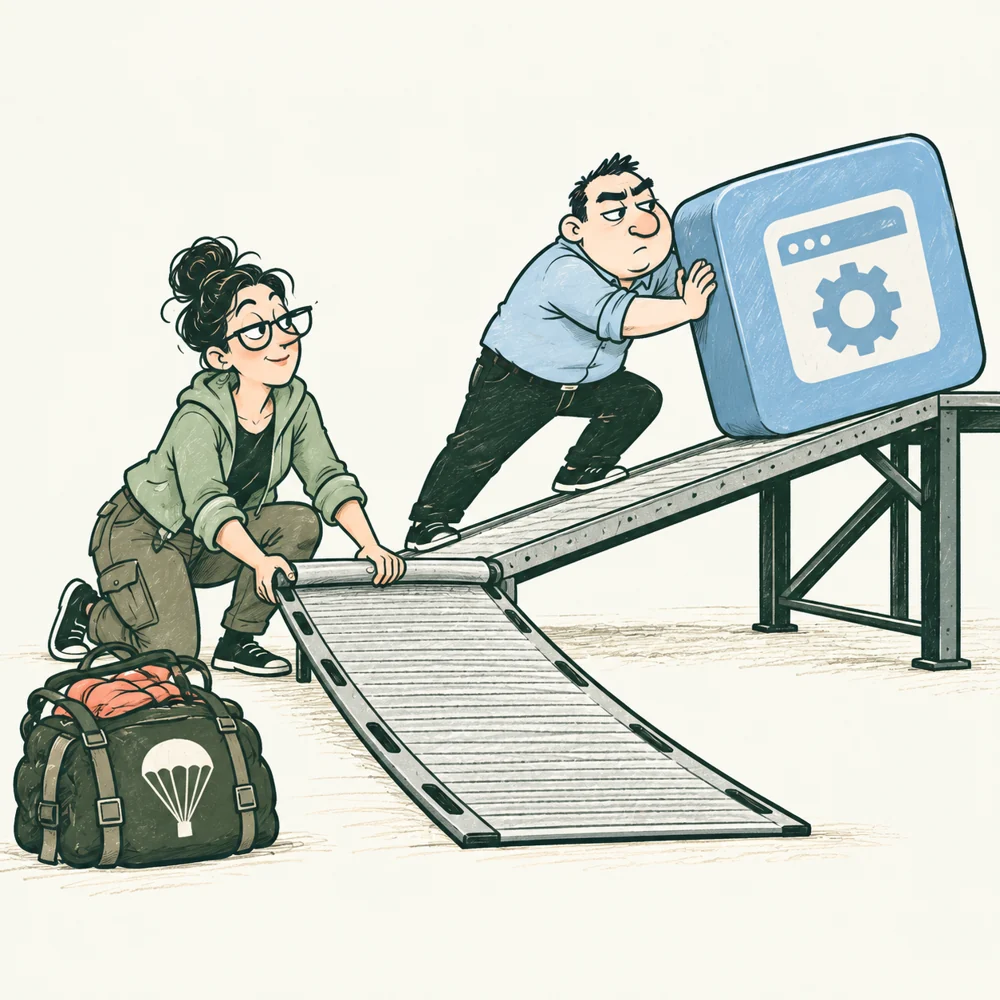
Before going up, check the way back.
IN THE BOOK
Prepares environments, release controls, monitoring routes, and recovery. Tests whether an operator can reach the problem and restore usable service.
Output: Identified environments and release path, actionable alerts, compatible return routes, and a rehearsed recovery procedure.
Ask: Who owns the resources and manages access?
Stages 3, 4, 5, 6, 7, 8
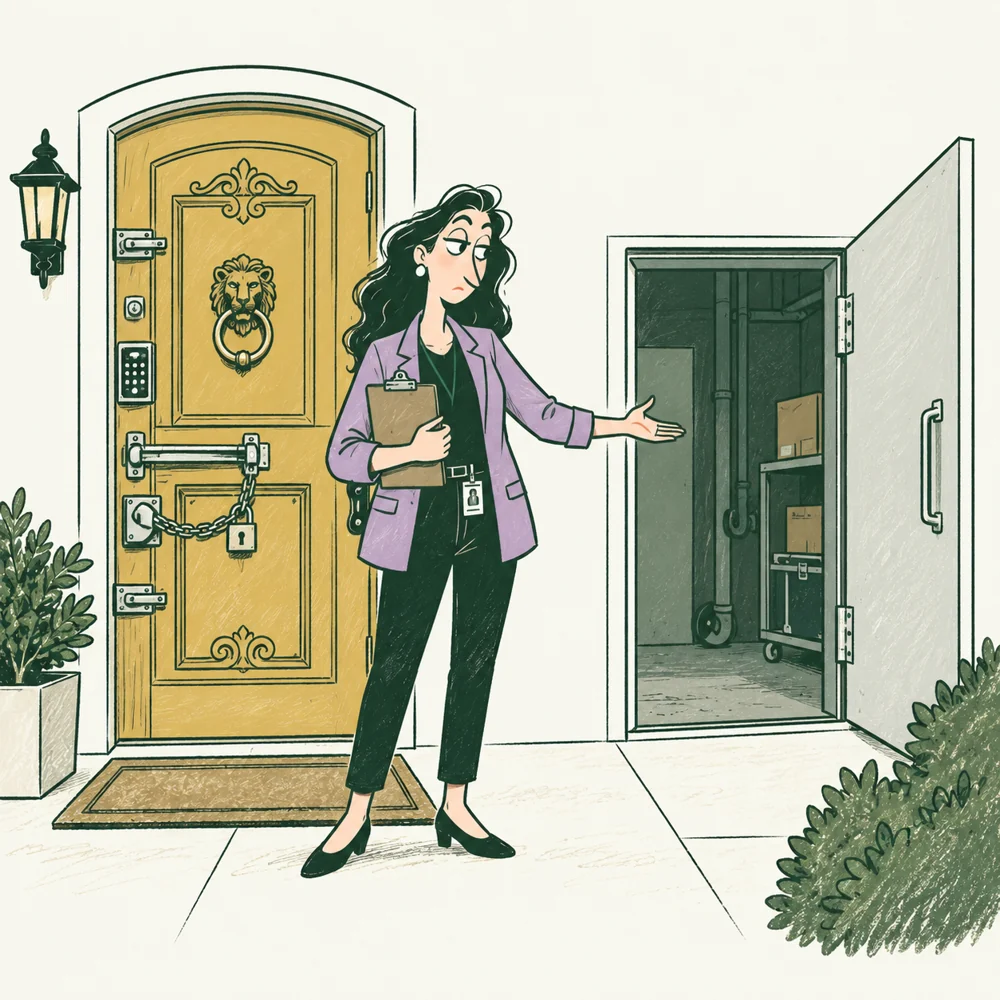
The locked button has an unlocked side entrance.
IN THE BOOK
Examines direct requests against role and record permissions, then checks that forbidden operations fail and legitimate work remains possible.
Output: Threat model, requirements, assessment findings, and risk-remediation priorities.
Ask: Which data and operations need particular protection?
Stages 1, 2, 3, 4, 5, 6, 7, 8
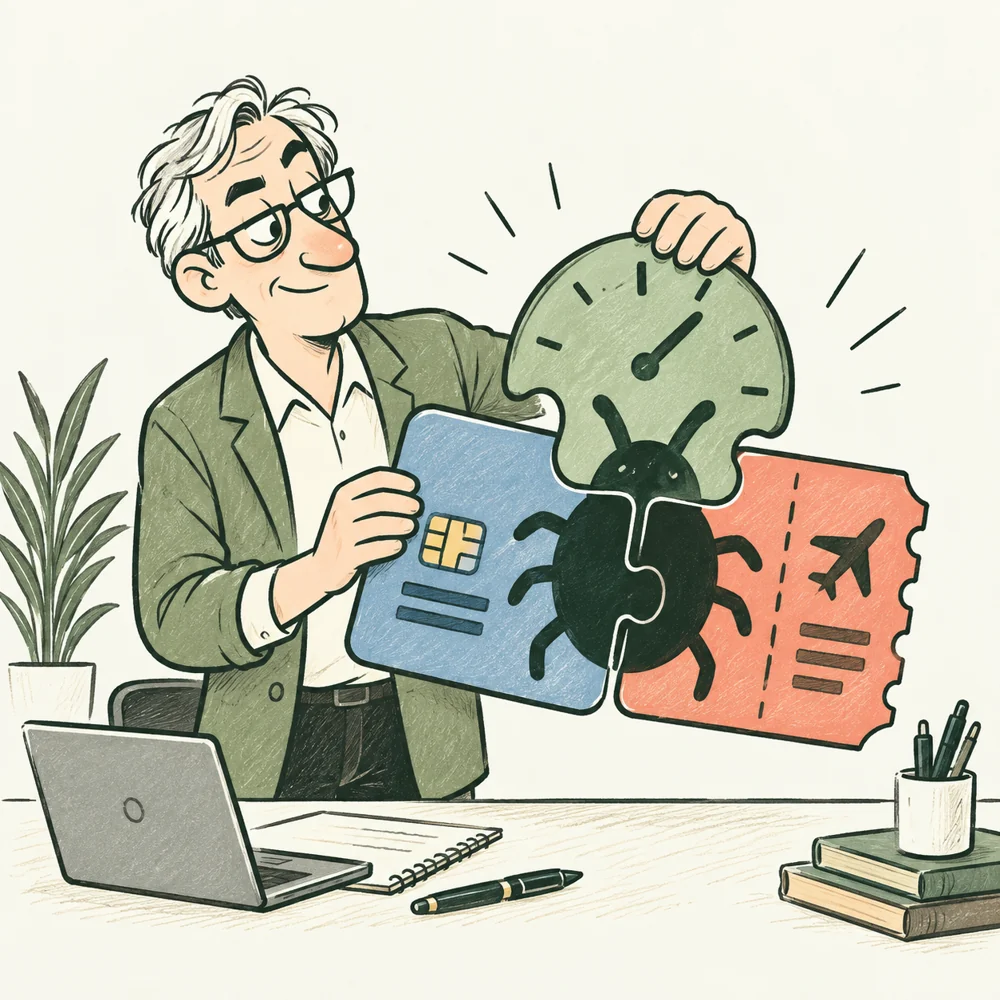
Each piece passed. Now put them together.
IN THE BOOK
Reproduces the Rewind build, exposes the missing expiry/payment combination, reviews its correction, and checks critical behavior and operating preparation before a bounded pilot.
Output: Reproduced findings, bounded correction or review work, retest evidence, and the remaining opening conditions.
Ask: What will you examine first, and why?
Stages 4, 5, 6, 7

The next feature needs a reason to exist.
SPECIALIZATION
Chooses product outcomes and priorities from user needs and evidence. Agree how that authority relates to the Client.
Output: Product goal, hypotheses, priorities, and success criteria.
Ask: Which problem will the first version address?
Stages 1, 2, 6, 8
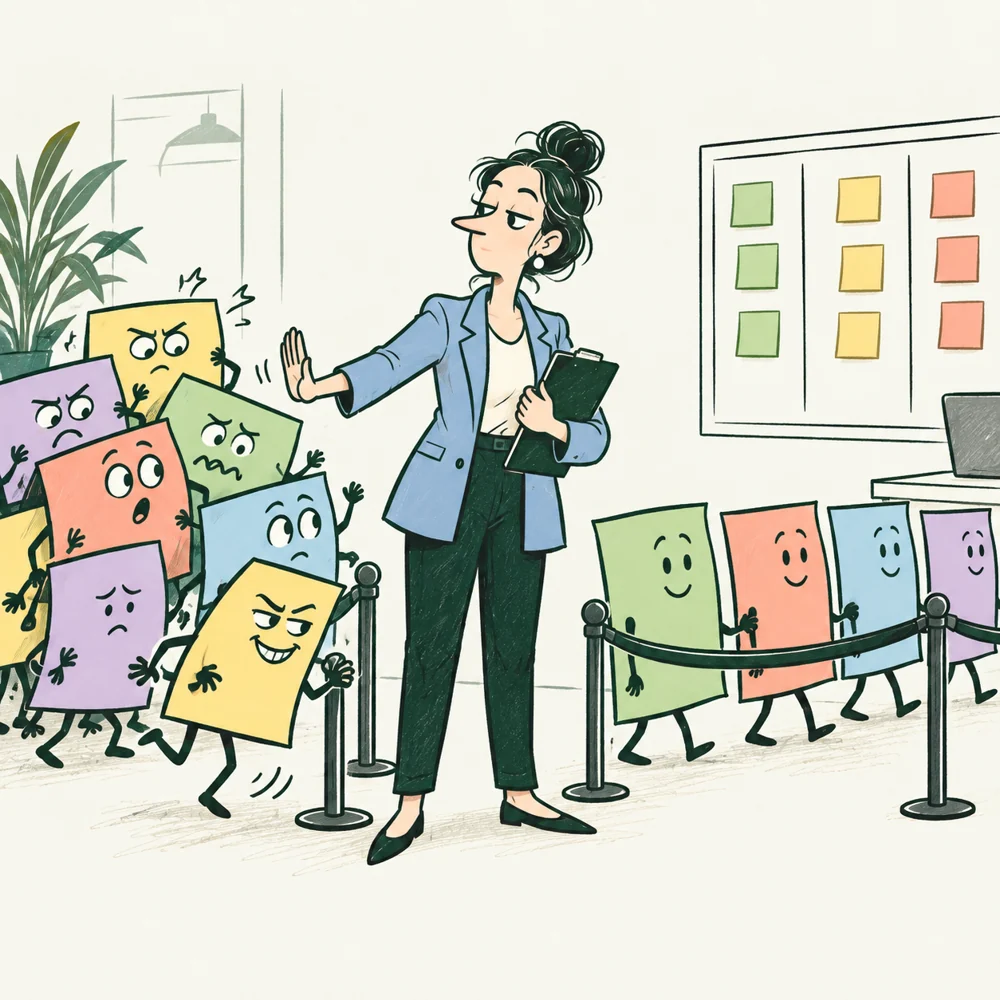
Urgent is not a place in the queue.
SPECIALIZATION
In Scrum, owns effective Product Backlog management and value decisions. Establish whether the Client retains or delegates each decision.
Output: An ordered backlog and a clear Product Goal.
Ask: Who can reorder the work?
Stages 2, 4, 5, 6, 7, 8
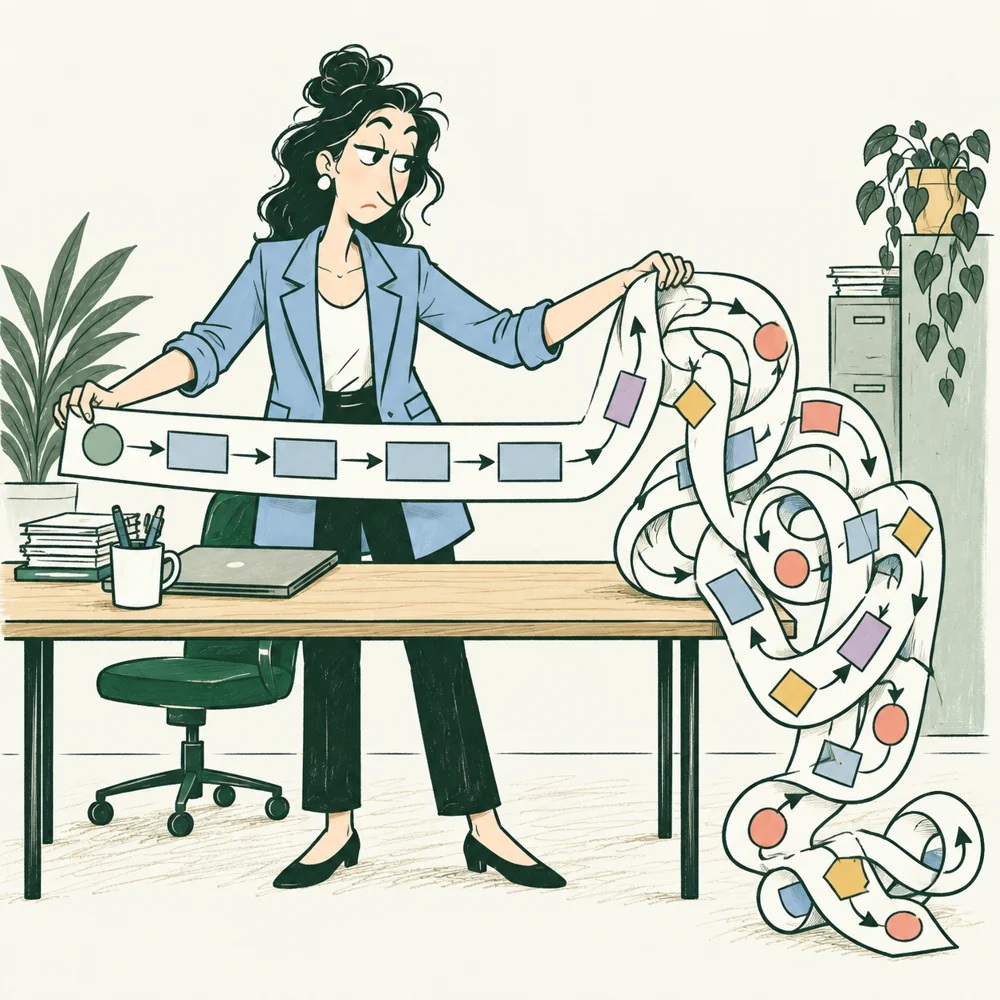
The process was straight until the first exception.
SPECIALIZATION
Describes work rules and consequences with the people who perform the work.
Output: Process description, business rules, and requirements.
Ask: Which exceptions and disputed cases remain?
Stages 1, 2, 3, 5, 6

Both systems understood the message differently.
SPECIALIZATION
Specifies system interactions, data, states, and boundary behavior so implementations agree.
Output: System requirements, state diagrams, and exchange descriptions.
Ask: What happens on retry, cancellation, or failure?
Stages 2, 3, 4, 5
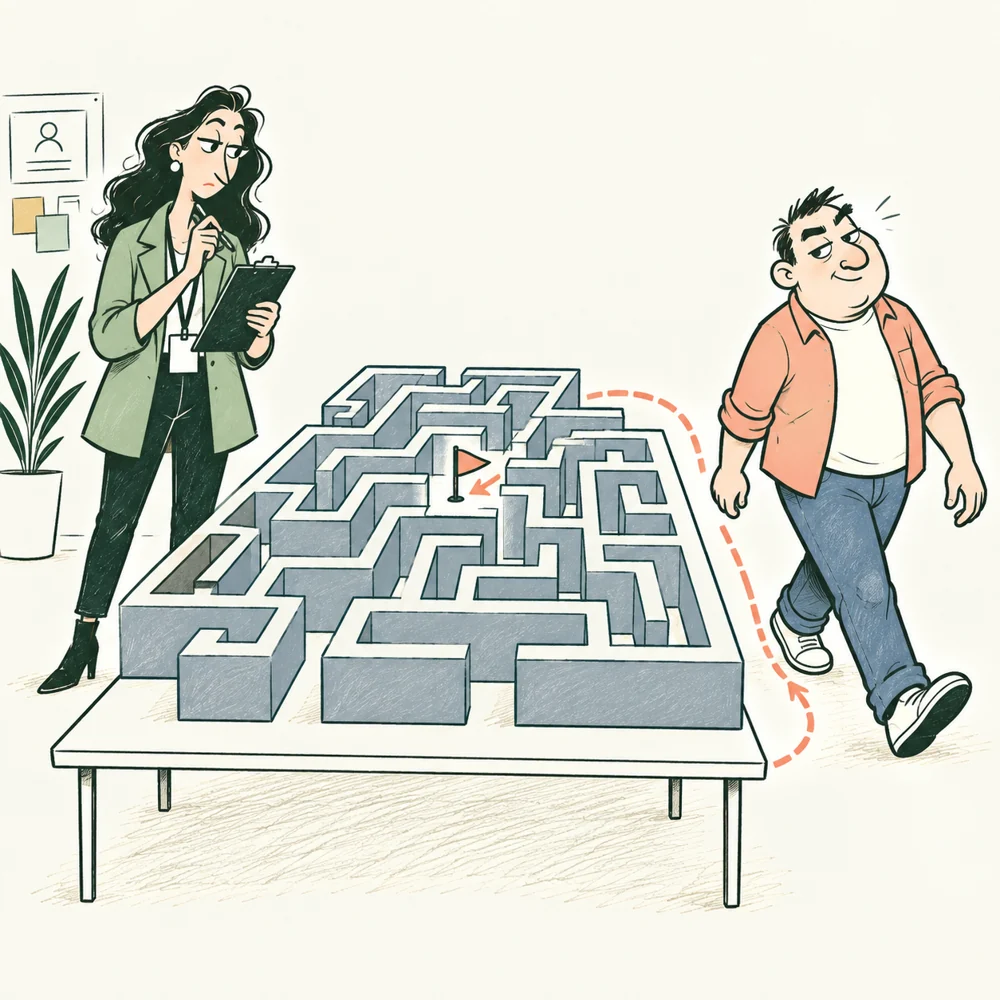
Watch the route people actually take.
SPECIALIZATION
Plans interviews and observations, preserves what happened, and distinguishes findings from interpretation.
Output: Observations, findings, and questions for further research.
Ask: Who are we studying, and why these participants?
Stages 1, 2, 3, 6, 8

A short task should not need an expedition.
SPECIALIZATION
Designs the path through a task and checks whether people understand and complete it.
Output: Flows, prototypes, and tested interaction scenarios.
Ask: How does the user complete the main task?
Stages 1, 2, 3, 5, 6
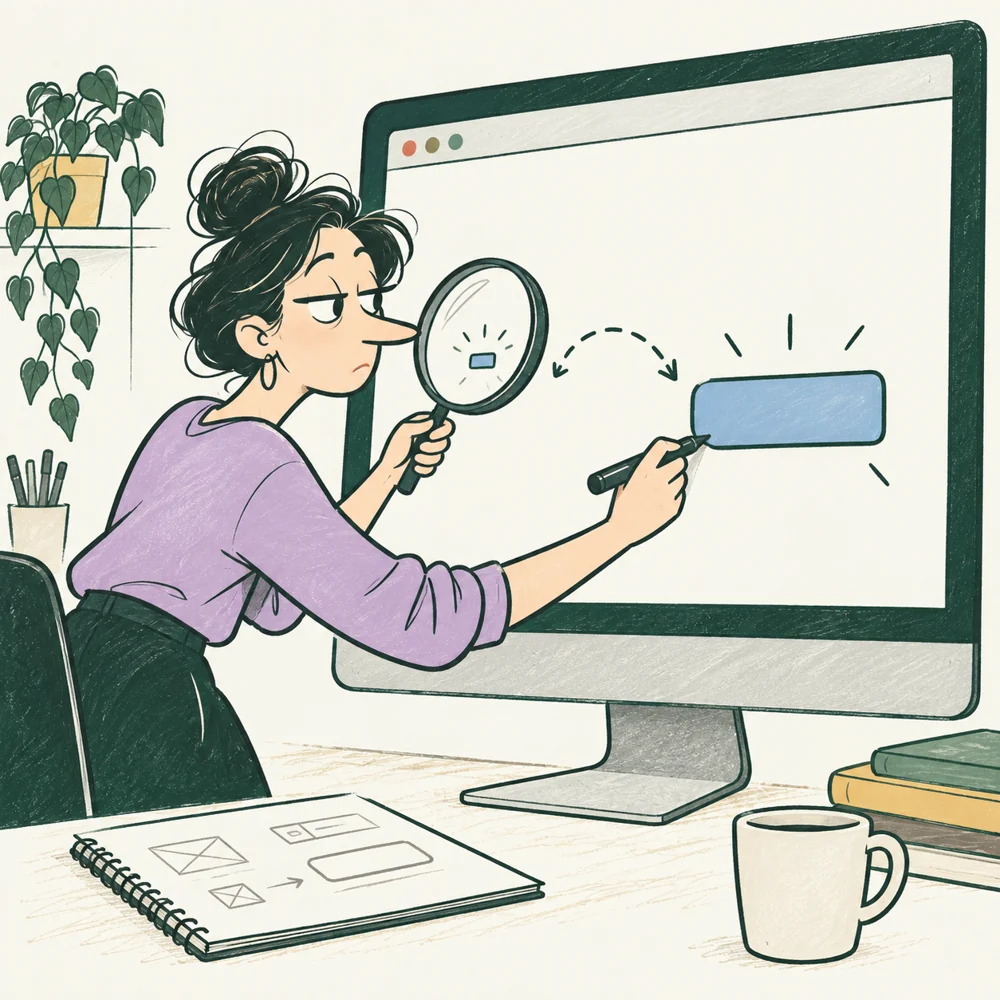
The button exists. Finding it is another task.
SPECIALIZATION
Designs readable hierarchy, controls, content, and visual states.
Output: Mockups, components, and state-presentation rules.
Ask: Which devices and screen sizes are covered?
Stages 3, 4, 5

A component has to work from the keyboard, too.
SPECIALIZATION
Implements reusable interface components, focus, keyboard behavior, and states; agrees on who connects them to live data.
Output: Working components and usage rules aligned with design and frontend implementation.
Ask: What do you implement, and what remains with the Designer and frontend team?
Stages 3, 4, 5

The tiny product does not need a castle.
SPECIALIZATION
Compares structures and their consequences for data, delivery, and operation. In the story, the Tech Lead performs this function.
Output: Component diagram, key decisions, and their reasons.
Ask: Why does this option fit our scale?
Stages 1, 2, 3, 4, 7, 8

Both ends of the feature have to agree.
SPECIALIZATION
Implements browser and server work. Breadth of title does not establish equal depth in database, security, testing, and operation.
Output: End-to-end functions connecting the interface and server.
Ask: Which product components are your responsibility?
Stages 3, 4, 5, 6, 7, 8
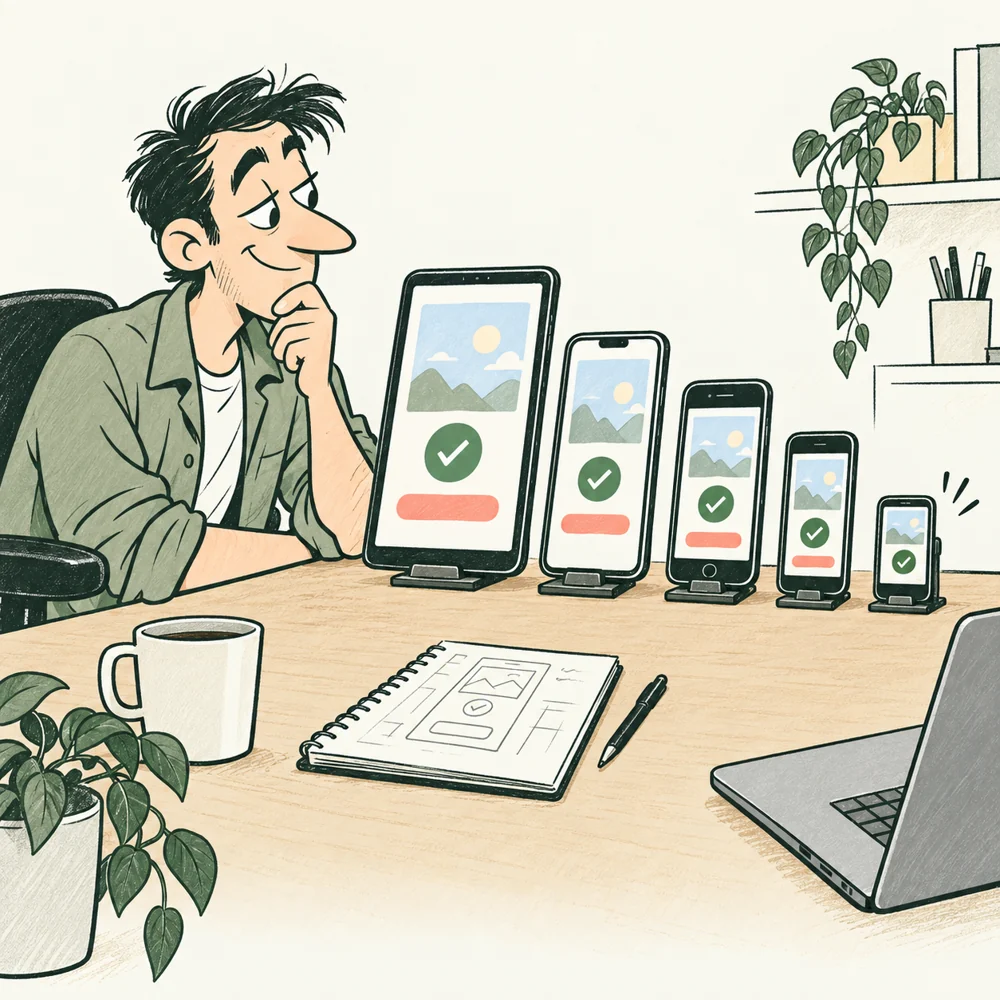
It fits this phone. What about the others?
SPECIALIZATION
Implements device and platform behavior and its releases. A browser app alone does not require a separate mobile developer.
Output: A mobile build prepared for the chosen distribution method.
Ask: Which devices and OS versions do we support?
Stages 3, 4, 5, 6, 7, 8
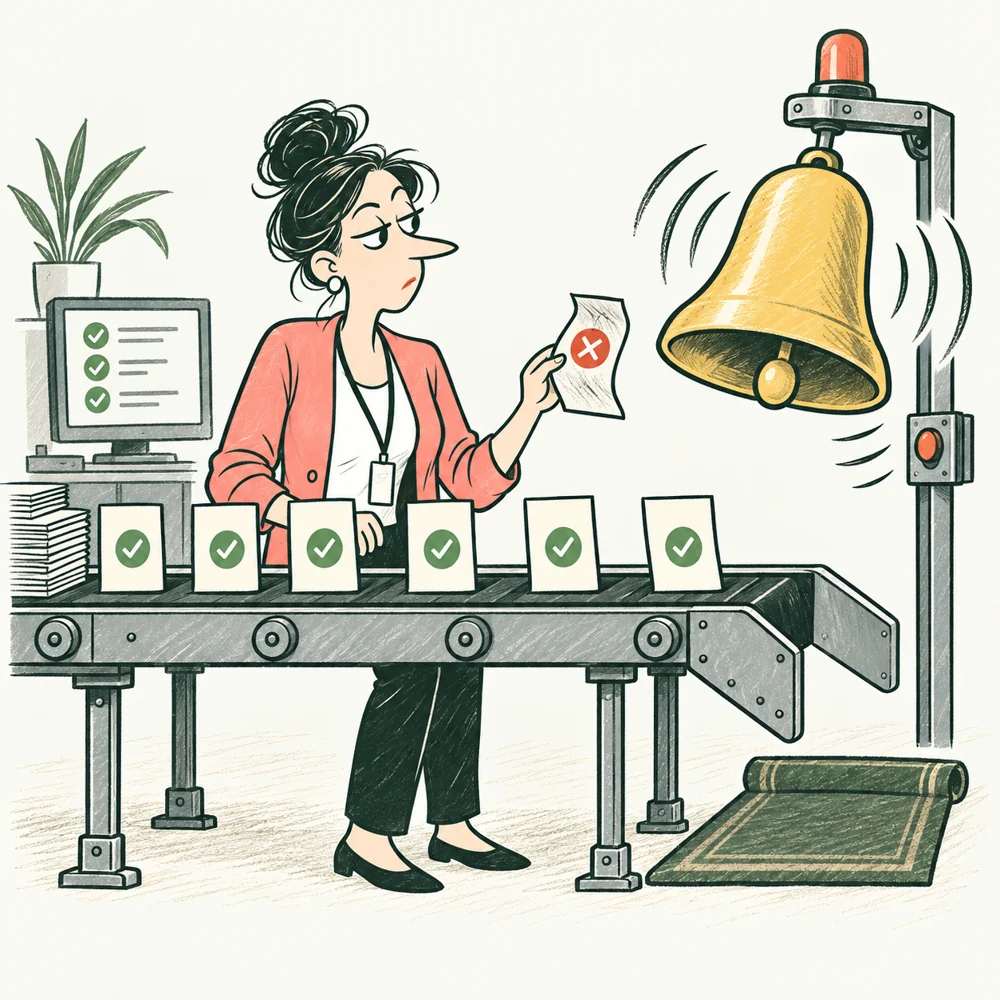
A useful check makes failure visible.
SPECIALIZATION
Builds dependable automated checks and test data; preserves useful failures and investigates misleading passes.
Output: Automated checks with understandable results and a maintenance owner.
Ask: Which important flows have automated checks?
Stages 2, 4, 5, 7, 8
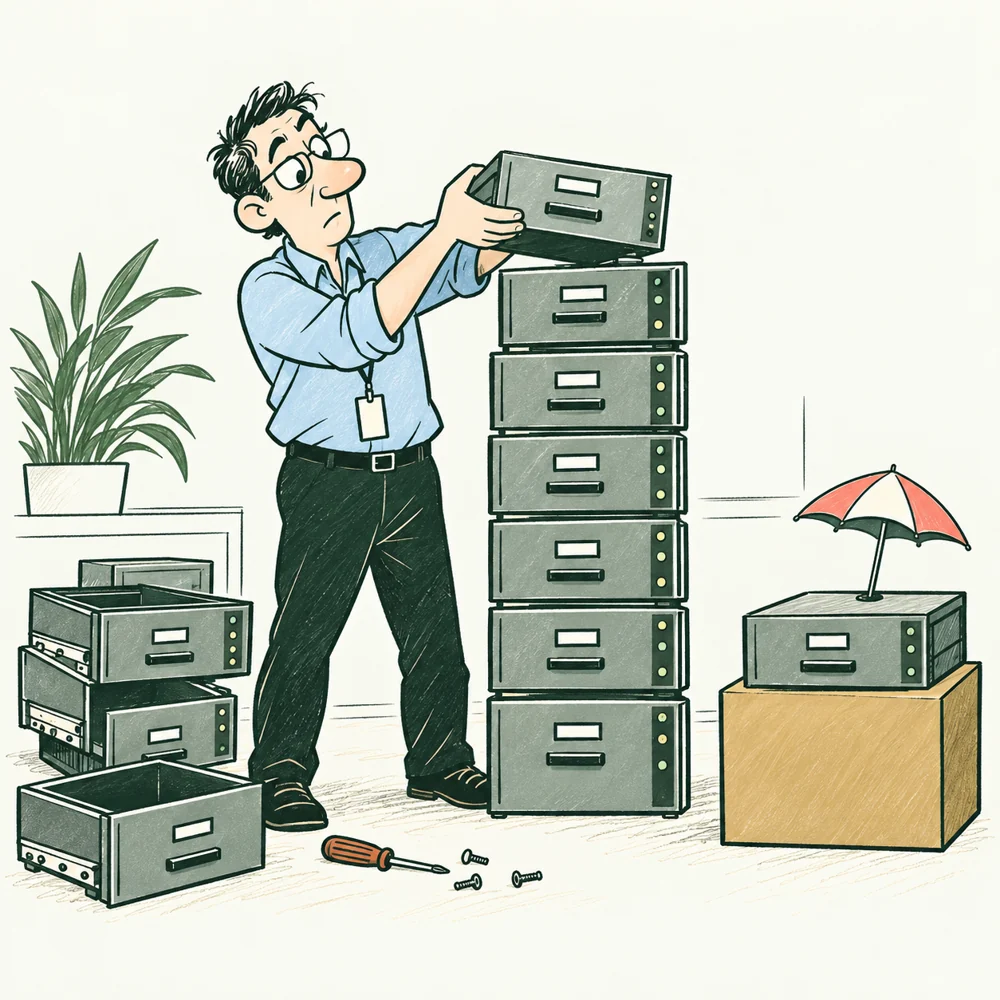
A backup earns its place when you can restore it.
SPECIALIZATION
Designs data storage, queries, migrations, backup, and recovery. A DBA focuses on database operation; a data engineer may focus on data flows.
Output: Data model or pipelines, migration plan, and a tested recovery procedure.
Ask: Where is the authoritative data source?
Stages 2, 3, 4, 5, 7, 8
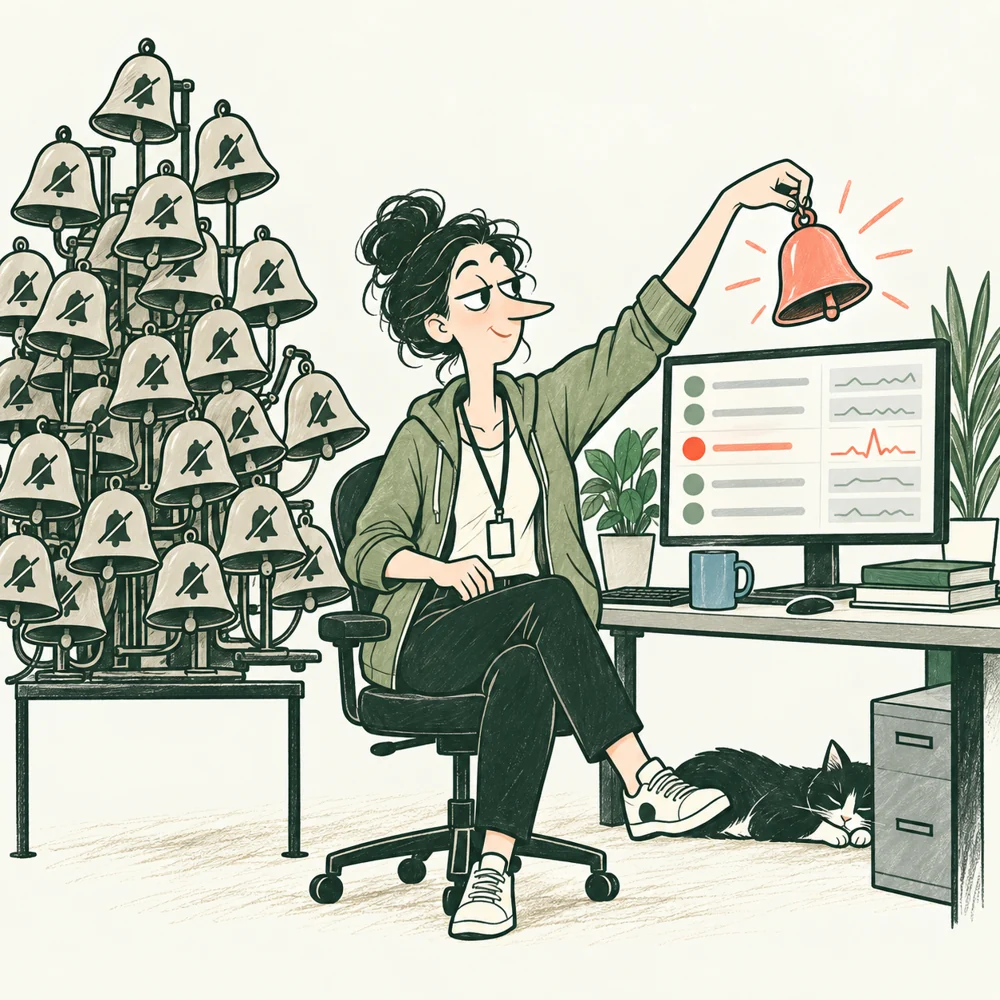
Which alarm tells someone what to do?
SPECIALIZATION
Turns reliability needs into measures, response practices, capacity work, and recovery exercises.
Output: Monitoring, response rules, readiness assessment, and runbooks.
Ask: How do we detect a problem before complaints build up?
Stages 2, 3, 4, 5, 6, 7, 8
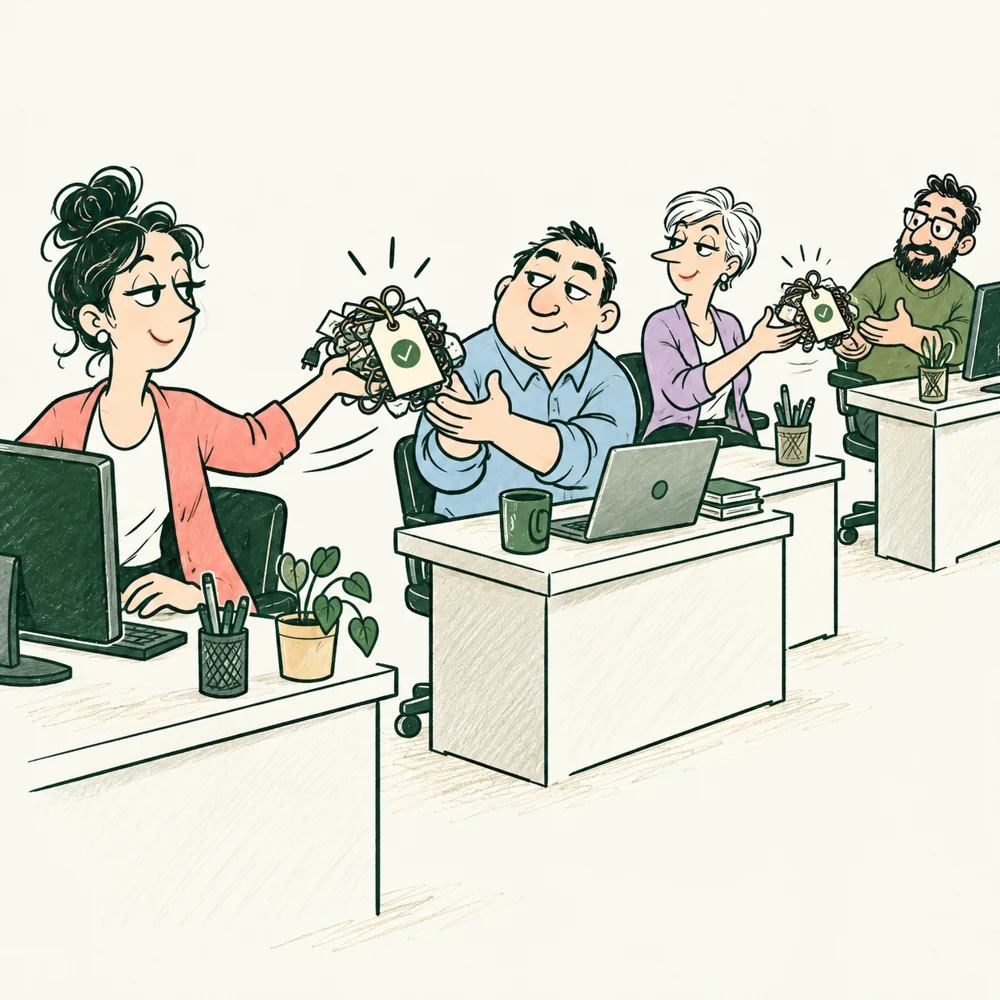
A case needs a next owner, not another inbox.
SPECIALIZATION
Receives cases, follows authorized procedures, preserves references, and escalates work beyond those procedures.
Output: A working support process and escalation path.
Ask: What information do we collect when a user reports a problem?
Stages 5, 6, 7, 8

The meeting ended. Did the obstacle move?
SPECIALIZATION
Helps a Scrum team use and improve Scrum. This accountability is not automatically the Project Manager or a required position on every project.
Output: A working meeting cadence, visible impediments, and action on them.
Ask: What is the meeting cadence, and where am I needed?
Stages 2, 3, 4, 5, 6, 7, 8

A rising line needs a meaningful measure.
SPECIALIZATION
Defines and examines product-use measures with their events, denominators, and observation periods.
Output: Measures, reports, and findings for decisions.
Ask: Which events and measures are we collecting?
Stages 1, 2, 6, 8
WHO DOES WHAT / STAGE 01
Names the useful outcome and priorities.
Shows real staff work and exceptions.
Separates observed cases from assumptions.
Inspects the prototype and technical risks.
Reproduces the failures on a named version.
THE HANDOFF
Current cases + prototype evidence → an agreed starting point
The Analyst joins working cases with the Tech Lead's inventory and the Tester's evidence. The Client decides which difficulty the next stage must address.
Work with: Project Manager, Designer, Security Engineer.
Additional expertise when the work needs it: User Researcher, Business Analyst, Product Manager.
See the team across all eight stages →WHO DOES WHAT / STAGE 02
Approves priorities and operating rules.
Writes scope, states, exceptions, and acceptance criteria.
Checks feasibility and dependencies.
Makes the main task and unclear states visible.
Turns each promise into a checkable example.
THE HANDOFF
Approved rules + acceptance criteria → design and test planning
The Client settles product decisions. The Analyst passes approved rules and open questions to design, implementation, and testing.
Work with: Project Manager, Senior Administrator, Backend Developer, Security Engineer.
Additional expertise when the work needs it: Product Owner, Systems Analyst, Business Analyst.
See the team across all eight stages →WHO DOES WHAT / STAGE 03
Specifies flow, controls, content, and failure states.
Chooses components and records the tradeoffs.
Checks how states and data reach the interface.
Defines shared operations and data changes.
Checks environments, deployment, and recovery needs.
THE HANDOFF
Flow + states + component decisions → implementable work
The Designer hands interaction states to the Frontend Developer. The Tech Lead and Backend Developer agree on operations; the Tester checks that the design can satisfy the criteria.
Work with: Analyst, Tester, Security Engineer, Senior Administrator.
Additional expertise when the work needs it: UX Designer, UI Designer, UI Engineer, Software Architect, Data and Database Specialist.
See the team across all eight stages →WHO DOES WHAT / STAGE 04
Builds browser behavior and shows actual server outcomes.
Implements rules, permissions, and durable work.
Reviews how the pieces fit together.
Checks each integrated change and reports reproducible failures.
Maintains repeatable builds and test environments.
THE HANDOFF
Integrated change → observed result → correction and repeat
Developers integrate one usable path. The Tester checks the named build, then sends any difference back with conditions and records.
Work with: Designer, Analyst, Project Manager, Security Engineer.
Additional expertise when the work needs it: UI Engineer, Full-Stack Developer, Mobile Developer, Test Automation Engineer, Systems Analyst.
See the team across all eight stages →WHO DOES WHAT / STAGE 05
Runs the agreed checks and records scope and results.
Tests forbidden and permitted operations directly.
Corrects server and data failures.
Corrects interface behavior and status messages.
Rehearses response and recovery.
THE HANDOFF
Test evidence + open issues → acceptance discussion
Findings return to the owner of the rule, design, implementation, or operating procedure. The Tester repeats affected checks on the corrected candidate.
Work with: Tech Lead, Analyst, Designer, Senior Administrator.
Additional expertise when the work needs it: Test Automation Engineer, Data and Database Specialist, Site Reliability Engineer.
See the team across all eight stages →WHO DOES WHAT / STAGE 06
Coordinates staff work and records misunderstandings.
Observes whether people can finish without coaching.
Distinguishes a confusing screen from an incorrect rule.
Rechecks corrections on the pilot candidate.
Accepts the agreed results and decides priorities.
THE HANDOFF
Pilot observations + repeat checks → accepted scope
Customers and service providers try the tasks. The Senior Administrator brings observations back; the team corrects the cause and repeats the affected checks.
Work with: Project Manager, Tech Lead, Frontend Developer, Backend Developer, Support Specialist.
Additional expertise when the work needs it: User Researcher, UX Designer, Product Analyst.
See the team across all eight stages →WHO DOES WHAT / STAGE 07
Decides whether the agreed opening conditions are met.
Brings technical readiness and remaining issues.
Identifies the verified candidate and unresolved checks.
Executes the release, recovery, and response preparation.
Owns the studio handover and unfinished customer work.
THE HANDOFF
Accepted candidate + operating readiness → controlled opening
The Client makes the opening decision from the evidence. The release owner deploys the agreed candidate; technical and studio responders take over their assigned work.
Work with: Project Manager, Backend Developer, Frontend Developer, Security Engineer, Support Specialist.
Additional expertise when the work needs it: Site Reliability Engineer, Data and Database Specialist, Mobile Developer.
See the team across all eight stages →WHO DOES WHAT / STAGE 08
Routes unfinished work and staff exceptions.
Monitors, responds, restores, and hands over incidents.
Captures useful reports and escalates beyond its authority.
Chooses the next improvement from observed needs.
Connects new work to owners, decisions, and review points.
THE HANDOFF
Observed use + incidents → prioritized work → another checked change
Support and operating observations become owned changes. New changes return through the relevant rule, design, build, and test steps before release.
Work with: Tech Lead, Backend Developer, Frontend Developer, Tester, Security Engineer.
Additional expertise when the work needs it: Site Reliability Engineer, Product Analyst, Product Manager, Data and Database Specialist.
See the team across all eight stages →